تعارف
Thank you for choosing the Brother SH7700 Digitalized Sewing Machine. This portable and versatile machine is designed for a wide range of sewing projects, offering 120 sewing functions, 750 stitches per minute, and 7 types of one-step buttonholes. Its intuitive LCD screen and practical features make it suitable for both beginners and experienced users. This manual provides essential information for setting up, operating, maintaining, and troubleshooting your sewing machine to ensure optimal performance and longevity.

Image: The Brother SH7700 Digitalized Sewing Machine, emphasizing its lightweight and portable nature. The machine is white with a pink stitch selection panel and an LCD screen.
سیٹ اپ
Before you begin sewing, ensure your machine is properly set up. Follow these steps for initial preparation:
- پیک کھولنا اور جگہ کا تعین: Carefully remove the machine from its packaging. Place it on a stable, flat surface with adequate lighting. Ensure there is enough space around the machine for fabric handling.
- پاور کنکشن: پاور کورڈ کو مشین سے اور پھر کسی مناسب برقی آؤٹ لیٹ سے جوڑیں۔
- بابن وائنڈنگ: The SH7700 features an automatic bobbin winder. Place a spool of thread on the spool pin, guide the thread through the tension disc, and wrap it around an empty bobbin. Engage the bobbin winder and start the machine. The winder will stop automatically when the bobbin is full.
- Bobbin Insertion: The machine offers easy bobbin placement. Open the bobbin cover, insert the wound bobbin, and follow the thread path indicated on the machine. Close the cover.
- اوپری تھریڈنگ: Place a spool of thread on the spool pin. Guide the thread through the machine's designated path, ensuring it passes through all tension guides. The SH7700 includes an automatic needle threader for convenience. Lower the presser foot, engage the needle threader, and it will guide the thread through the needle eye.
- Needle Installation: Ensure the needle is correctly inserted with the flat side facing the back of the machine. Tighten the needle clamp محفوظ طریقے سے پیچ.

تصویر: ایک تفصیلی view of the Brother SH7700 sewing machine, showing the upper threading path and the needle area, crucial for proper setup.
آپریٹنگ ہدایات
The Brother SH7700 is designed for ease of use with its digital features. Familiarize yourself with the following operational guidelines:
Stitch Selection and Customization
- LCD سکرین: Use the intuitive LCD screen to select from 120 sewing functions and 70 available stitches. The screen displays the selected stitch, recommended presser foot, and current stitch length and width settings.
- Electronic Stitch Selector: Navigate through the stitch options using the electronic selector buttons located near the LCD screen.
- Stitch Width and Length Control: Adjust the stitch width (up to 7mm) and stitch length (up to 5mm) using the dedicated controls to customize your stitches for various fabric types and project requirements.
عملی افعال
- ریورس بٹن: Press the reverse button to sew in reverse, which is useful for securing stitches at the beginning and end of seams.
- خودکار سوئی تھریڈر: Utilize the automatic needle threader for quick and effortless threading of the needle.
- آزاد بازو: Remove the accessory tray to reveal the free arm, which is ideal for sewing cylindrical items like sleeves, cuffs, and pant hems.
- 7 Types of One-Step Buttonholes: Select the desired buttonhole style from the LCD screen. The machine will automatically create perfectly sized buttonholes in a single step.
- 750 Stitches per Minute: The machine operates at a speed of up to 750 stitches per minute, allowing for efficient completion of projects.
Included Presser Feet
The SH7700 comes with 7 essential presser feet to handle a variety of sewing tasks:
- Zigzag Foot (J)
- Buttonhole Foot (A)
- زپ فٹ (I)
- Button Sewing Foot (M)
- Overcasting Foot (G)
- Blind Stitch Foot (R)
- Monogramming Foot (N)

Image: The Brother SH7700 sewing machine with text highlighting its multiple functions, including electronic stitch selector, stitch width/length control, reverse button, automatic bobbin winder, and easy threading.

Image: An infographic illustrating the Brother SH7700's capabilities, including 120 sewing functions, 750 stitches per minute, 7 types of buttonholes, 7 included presser feet, and an intuitive LCD screen.

Image: A clear display of the seven presser feet included with the Brother SH7700: Zigzag, Buttonhole, Zipper, Button Sewing, Overcasting, Blind Stitch, and Monogramming feet.
دیکھ بھال
Regular maintenance ensures your Brother SH7700 sewing machine remains in excellent working condition. Always disconnect the machine from the power supply before performing any maintenance.
- Cleaning the Bobbin Area: Periodically remove the needle plate and bobbin case. Use a small brush (often included with the machine) to remove lint and dust accumulation from the bobbin area and feed dogs.
- Cleaning the Tension Discs: Floss a piece of thread or a thin cloth between the upper thread tension discs to remove any trapped lint that might affect thread tension.
- سوئی کی تبدیلی: Replace the needle regularly, especially after 8-10 hours of sewing or if it becomes bent or dull. A dull needle can cause skipped stitches and fabric damage.
- عمومی صفائی: Wipe down the exterior of the machine with a soft, dry cloth to remove dust. Avoid using harsh chemicals or abrasive cleaners.
- تیل لگانا: Consult your machine's specific instructions regarding oiling. Many modern sewing machines, including computerized models, are self-lubricating and do not require user oiling. Incorrect oiling can damage the machine.
خرابی کا سراغ لگانا
This section addresses common issues you might encounter with your Brother SH7700 sewing machine. For more complex problems, refer to the warranty and support section.
| مسئلہ | ممکنہ وجہ | حل |
|---|---|---|
| چھوڑے ہوئے ٹانکے | غلط سوئی، جھکی ہوئی سوئی، غلط تھریڈنگ، کپڑے کے لیے سوئی کا غلط سائز۔ | Replace needle with a new, correct type/size. Re-thread the machine completely. Ensure needle is inserted correctly. |
| دھاگہ توڑنا | Incorrect threading, too much upper thread tension, burr on needle/needle plate, poor quality thread, bobbin wound too tightly/loosely. | Re-thread machine. Adjust upper thread tension. Check for burrs. Use good quality thread. Re-wind bobbin. |
| فیبرک پکرنگ | Incorrect tension, wrong stitch length, dull needle, fabric not properly supported. | Adjust tension. Increase stitch length. Replace needle. Use a stabilizer or proper presser foot. |
| مشین شروع نہیں ہو رہی | Power cord not connected, foot controller not connected, safety features engaged (e.g., presser foot up). | Check power and foot controller connections. Ensure presser foot is lowered. |
| ناہموار ٹانکے | Incorrect tension, lint in tension discs, incorrect bobbin winding. | Adjust tension (upper and lower). Clean tension discs. Re-wind bobbin evenly. |
وضاحتیں
Here are the key technical specifications for the Brother SH7700 Digitalized Sewing Machine:
- ماڈل: SH7700
- مصنوعات کے طول و عرض: 42 x 17.3 x 33.3 سینٹی میٹر (16.5 x 6.8 x 13.1 انچ)
- وزن: 6.4 کلوگرام (14.1 پونڈ)
- Sewing Functions: 120
- Stitch Types: 70 (decorative and utilitarian)
- Stitches Per Minute: 750
- Buttonhole Types: 7 (ایک قدم)
- سلائی کی چوڑائی: 7 ملی میٹر تک
- سلائی کی لمبائی: 5 ملی میٹر تک
- ڈسپلے: LCD اسکرین
- شامل اجزاء: 7 Presser Feet (Zigzag, Buttonhole, Zipper, Button Sewing, Overcasting, Blind Stitch, Monogramming)
- مواد: سٹینلیس سٹیل، پلاسٹک
- طاقت کا منبع: Batteries (Note: While product data indicates 'Batteries', this type of sewing machine typically operates on mains power. This may refer to a small internal battery for memory retention. Please refer to the machine's power cord and local power requirements.)
- اسمبلی کی ضرورت ہے: نہیں

Image: A visual representation of the Brother SH7700 sewing machine with its key dimensions labeled: 30cm height, 15cm depth, and 38cm width.
وارنٹی اور سپورٹ
Brother is committed to providing excellent customer service and support for your SH7700 Digitalized Sewing Machine.
- وارنٹی: Your machine comes with a 5-year warranty directly from the manufacturer. Please retain your proof of purchase for warranty claims. For specific terms and conditions, refer to the warranty card included with your product or contact Brother customer service.
- Free Training: Free training is included with the purchase of your product. This training can help you maximize the use of your machine's features. Contact Brother customer support or visit their official website for details on how to access this training.
- کسٹمر سپورٹ: For any questions, technical assistance, or service requests, please contact Brother customer support. Contact information can typically be found on the Brother official webسائٹ یا آپ کی مشین کے ساتھ فراہم کردہ دستاویزات میں۔
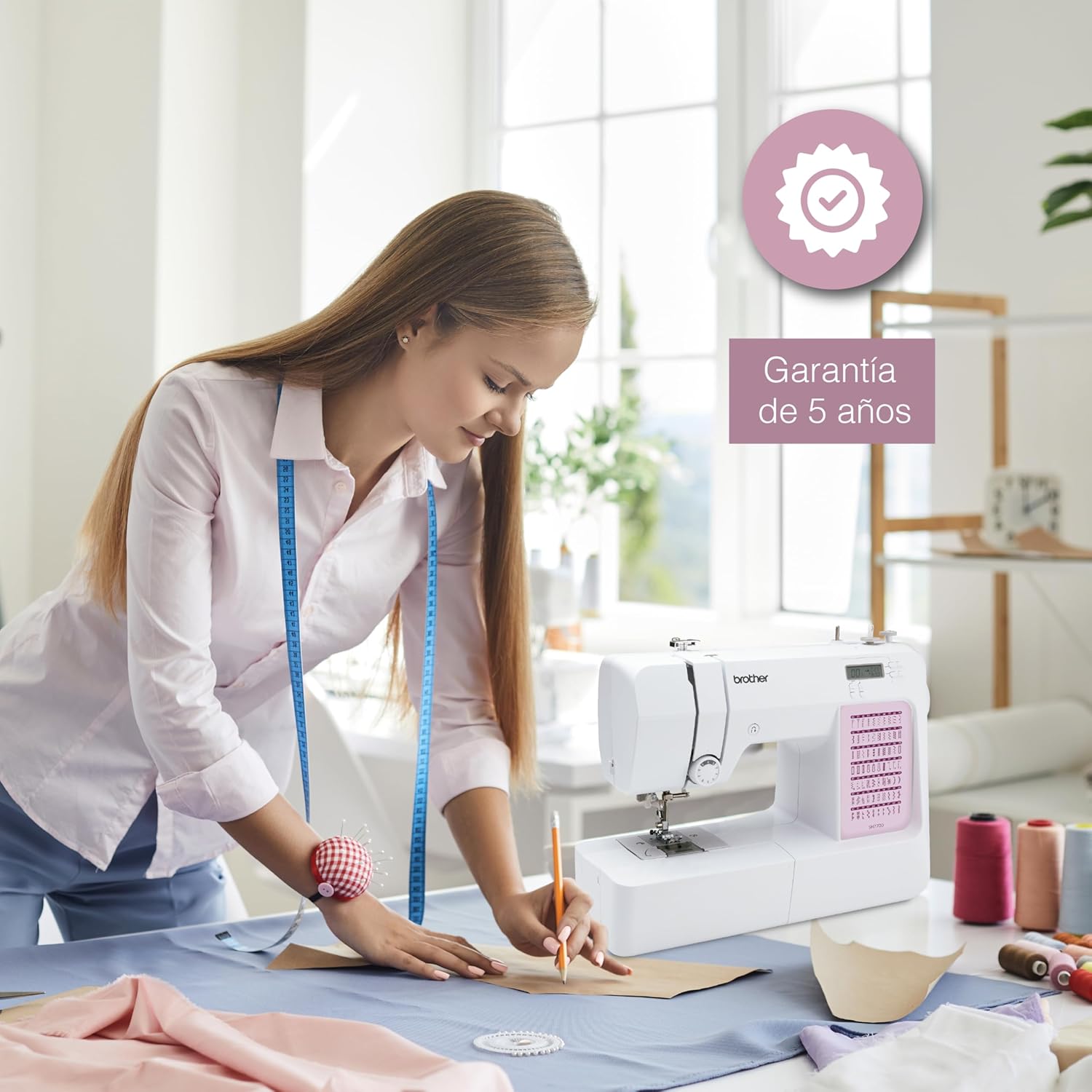
Image: A user operating the Brother SH7700 sewing machine, with a visual indicator of the 5-year warranty, emphasizing product reliability and support.


