تعارف
This manual provides instructions for the safe and effective use of your Energizer TAC500 Rechargeable LED Flashlight. Please read this manual thoroughly before operating the device and retain it for future reference.
حفاظتی معلومات
Observe the following safety precautions to prevent injury or damage to the flashlight:
- براہ راست ایل ای ڈی لائٹ میں نہ دیکھیں۔ تیز روشنی عارضی طور پر بینائی کی خرابی کا سبب بن سکتی ہے۔
- بچوں کی پہنچ سے دور رکھیں۔
- ٹارچ کو الگ کرنے یا اس میں ترمیم کرنے کی کوشش نہ کریں۔ اس سے وارنٹی ختم ہو سکتی ہے اور حفاظتی خطرہ لاحق ہو سکتا ہے۔
- Use only the provided Micro-USB charging cable or a certified equivalent.
- ٹارچ کو انتہائی درجہ حرارت یا لمبے عرصے تک براہ راست سورج کی روشنی میں بے نقاب کرنے سے گریز کریں۔
- Although rated IPX4 water resistant, do not submerge the flashlight in water.
پیکیج کے مشمولات
تصدیق کریں کہ تمام اشیاء آپ کے پیکیج میں موجود ہیں:
- 2 x Energizer TAC500 Rechargeable LED Flashlights
- 2 x Micro-USB Charging Cables
- 2 ایکس لینیارڈز

Image: Contents of the Energizer TAC500 package, including two flashlights, charging cables, and lanyards.
مصنوعات کی خصوصیات
- اعلی چمک: 500 lumens LED light, providing powerful illumination.
- لمبی بیم کا فاصلہ: Up to 200 meters, suitable for various outdoor and emergency scenarios.
- ایک سے زیادہ روشنی کے طریقوں: High, Low, and Strobe settings for versatile use.
- قابل ریچارج: Integrated lithium-ion battery with Micro-USB charging.
- پائیدار تعمیر: Aircraft-grade aluminum body with a shatterproof lens.
- پانی مزاحم: IPX4 rating for protection against splashing water.
- آسان ڈیزائن: Features an on/off push button and a lanyard loop for easy carrying.

Image: The Energizer TAC500 flashlight providing 500 lumens of light, illuminating a path.
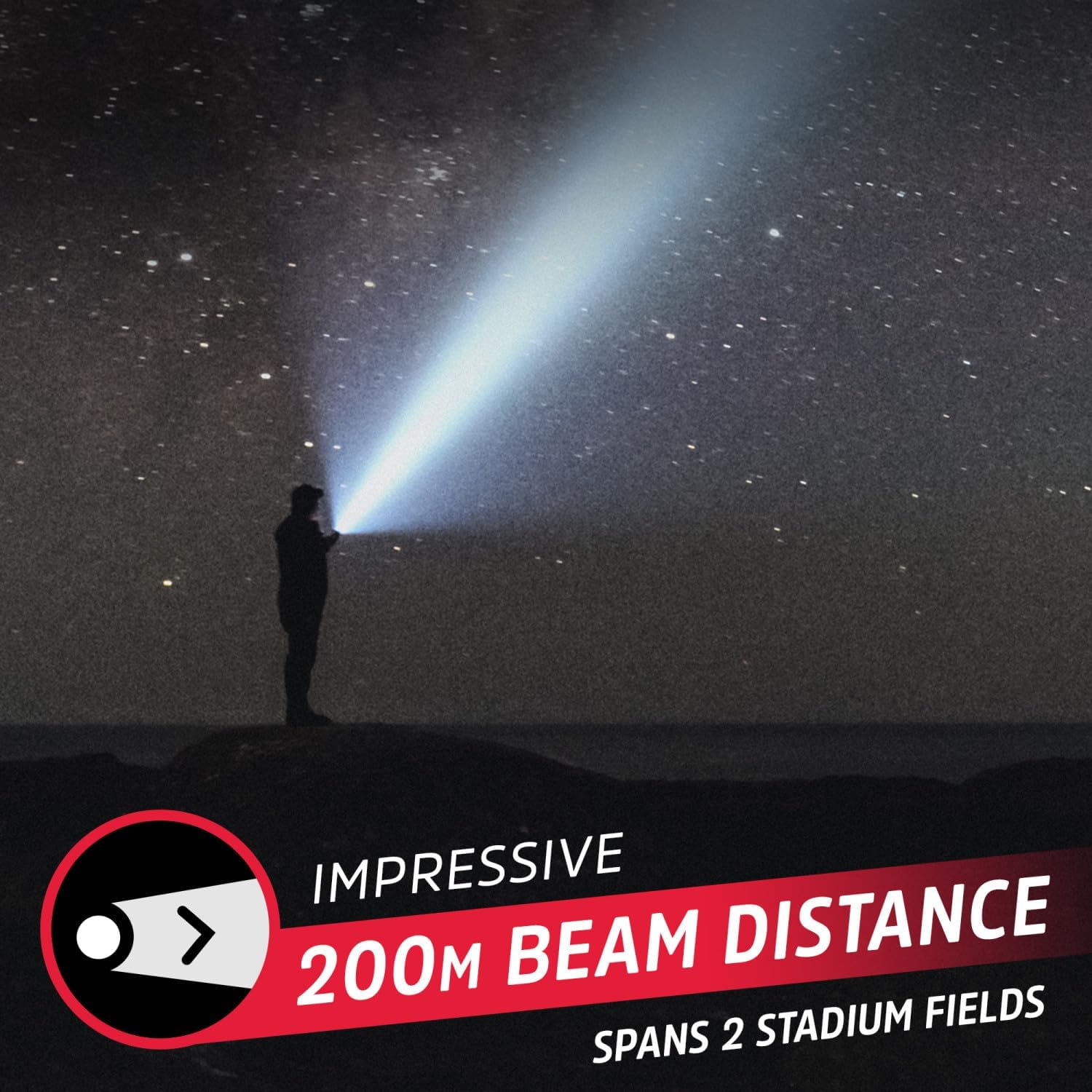
Image: The flashlight's impressive 200-meter beam distance, reaching far into the night.

تصویر: تفصیلی view of the flashlight's design, highlighting the power button, water resistance, and lanyard attachment point.
سیٹ اپ
ٹارچ کو چارج کرنا
Before first use, fully charge the flashlight. The integrated lithium-ion battery is not user-replaceable.
- Locate the Micro-USB charging port on the flashlight. It is typically covered by a rubber flap for water resistance.
- ربڑ کا فلیپ کھولیں۔
- Connect the small end of the Micro-USB charging cable to the flashlight's charging port.
- USB کیبل کے بڑے سرے کو ایک ہم آہنگ USB پاور سورس (جیسے کمپیوٹر USB پورٹ، USB وال اڈاپٹر) سے جوڑیں۔
- The power button LED indicator will illuminate red during charging.
- مکمل چارج ہونے کے بعد، ایل ای ڈی اشارے سبز ہو جائے گا۔
- Disconnect the charging cable and securely close the rubber flap to maintain water resistance.
A full charge provides approximately 4 hours of runtime on high setting, and up to 7 hours on low setting.

Image: The flashlight in use, demonstrating its extended runtime on lower settings.
آپریٹنگ ہدایات
پاور آن/آف اور موڈ سلیکشن
The flashlight features a single push button for operation.
- آن کرنے کے لیے: Press the power button once. The flashlight will turn on in High mode.
- موڈز کو تبدیل کرنے کے لیے: While the flashlight is on, press the power button repeatedly to cycle through the modes: High → Low → Strobe.
- بند کرنے کے لئے: Continue pressing the power button until the flashlight cycles past the Strobe mode and turns off. Alternatively, if the flashlight remains in one mode for more than 5 seconds, the next press will turn it off directly.
Lanyard کا استعمال کرتے ہوئے
Attach the included lanyard to the lanyard loop at the tail end of the flashlight for secure carrying and to prevent accidental drops.
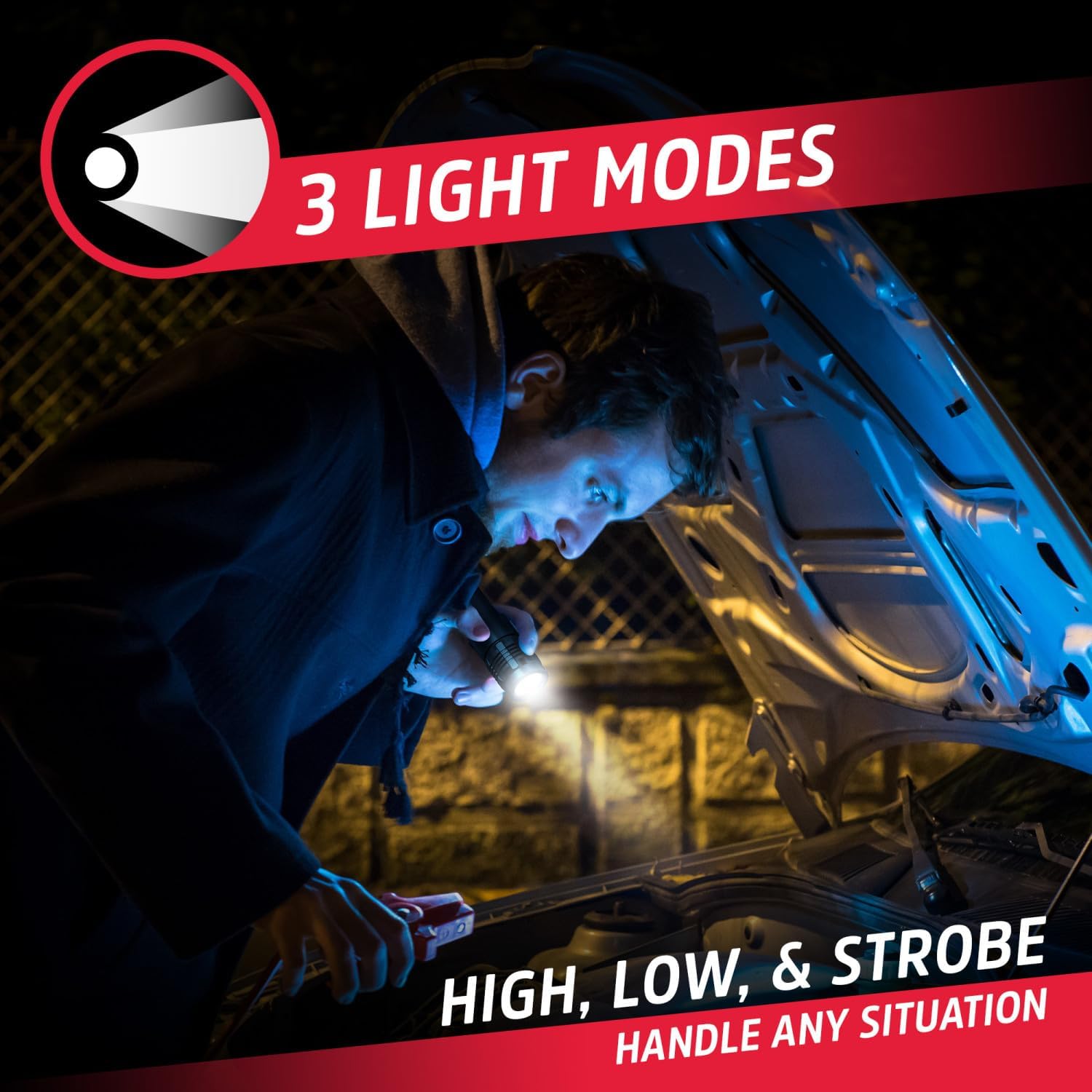
Image: The flashlight in use, demonstrating its versatility across different light modes for various tasks.
دیکھ بھال
- صفائی: ٹارچ کو نرم سے صاف کریں، ڈیamp کپڑا کھرچنے والے کلینر یا سالوینٹس کا استعمال نہ کریں۔
- ذخیرہ: Store the flashlight in a cool, dry place away from direct sunlight when not in use. For long-term storage, charge the battery every 3-6 months to maintain battery health.
- بیٹری: The lithium-ion battery is built-in and not user-replaceable. Do not attempt to open the flashlight to replace the battery.
خرابی کا سراغ لگانا
| مسئلہ | ممکنہ وجہ | حل |
|---|---|---|
| ٹارچ آن نہیں ہوتی۔ | بیٹری ختم ہو گئی ہے۔ | Charge the flashlight using the Micro-USB cable. |
| ٹارچ چارج نہیں کرتا۔ | چارجنگ کیبل یا پاور سورس کا مسئلہ۔ | Ensure the Micro-USB cable is securely connected. Try a different USB cable or power source. |
| روشنی کی پیداوار مدھم ہے۔ | بیٹری کم ہے۔ | ٹارچ کو ری چارج کریں۔ |
| روشنی کے طریقوں کو تبدیل نہیں کیا جا سکتا۔ | بٹن درست طریقے سے نہیں دبایا گیا یا اندرونی مسئلہ۔ | یقینی بنائیں کہ بٹن مضبوطی سے دبایا گیا ہے۔ اگر مسئلہ برقرار رہتا ہے تو کسٹمر سپورٹ سے رابطہ کریں۔ |
وضاحتیں
| فیچر | تفصیل |
|---|---|
| ماڈل نمبر | ENVMHHL8A |
| لائٹ آؤٹ پٹ | 500 Lumens (High) |
| شہتیر کا فاصلہ | 200 میٹر تک |
| لائٹ موڈز | اونچا، کم، اسٹروب |
| طاقت کا منبع | ریچارج ایبل لتیم آئن بیٹری |
| چارجنگ پورٹ | مائیکرو یو ایس بی |
| رن ٹائم (اعلی) | تقریباً 4 گھنٹے |
| رن ٹائم (کم) | 7 گھنٹے تک |
| پانی کی مزاحمت | IPX4 (سپلیش مزاحم) |
| مواد | Aircraft-grade Aluminum, Plastic |
| طول و عرض | 5"D x 1"W x 1"H (تقریبا) |
| وزن | 0.66 پاؤنڈز (تقریبا) |
وارنٹی اور سپورٹ
Energizer products are manufactured to high quality standards. For warranty information or technical support, please refer to the official Energizer webسائٹ یا ان کے کسٹمر سروس ڈیپارٹمنٹ سے رابطہ کریں۔ وارنٹی کے دعووں کے لیے اپنی خریداری کا ثبوت رکھیں۔
مزید مدد کے لیے، ملاحظہ کریں۔ ایمیزون پر انرجیزر اسٹور.


