1. تعارف
The BuzzTV B5 is an advanced Android 11 TV Box designed to deliver a superior 4K UHD streaming experience. This device allows you to access a wide range of entertainment, including movies, TV shows, and applications, directly on your television. This manual provides essential information for the proper setup, operation, maintenance, and troubleshooting of your BuzzTV B5.
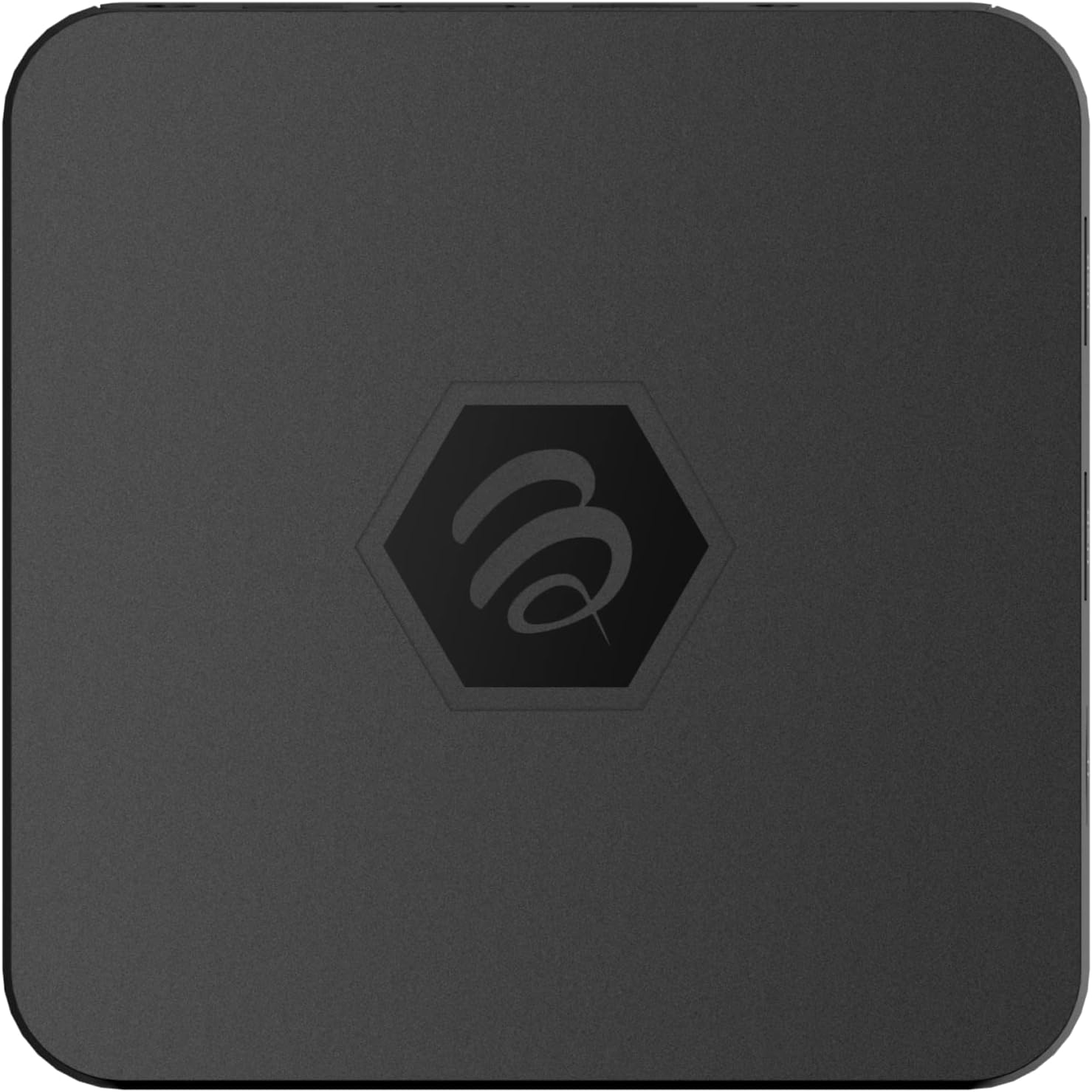
تصویر 1.1: اوپر view of the BuzzTV B5 Android 11 TV Box.
2. پیکیج کے مشمولات
Please verify that all items listed below are included in your BuzzTV B5 package:
- BuzzTV B5 Set Top Box
- IR-100 Remote Control
- پاور سپلائی اڈاپٹر
- 2x AAA Batteries (for remote control)
- HDMI کیبل
- صارف دستی (یہ دستاویز)

Image 2.1: Contents included in the BuzzTV B5 retail package.
3. سیٹ اپ گائیڈ
Follow these steps to set up your BuzzTV B5 TV Box:
- TV سے جڑیں: Connect one end of the provided HDMI cable to the HDMI port on the BuzzTV B5 and the other end to an available HDMI input on your television.
- پاور سے رابطہ کریں: Plug the power supply adapter into the DC 5V port on the BuzzTV B5, then plug the adapter into a wall outlet. The device should power on automatically or can be powered on using the remote control.
- ریموٹ میں بیٹریاں داخل کریں: Open the battery compartment on the back of the IR-100 Remote Control and insert the two AAA batteries, ensuring correct polarity (+/-).
- نیٹ ورک کنکشن: Once the device boots up, follow the on-screen instructions to connect to your network. You can choose between Wi-Fi (wireless) or Ethernet (wired) connection. For a wired connection, connect an Ethernet cable from your router to the Ethernet port on the BuzzTV B5.
- ابتدائی ڈھانچہ: Complete the initial Android setup process, which may include language selection, Google account login, and time zone settings.

Image 3.1: Rear ports of the BuzzTV B5 for connectivity.
4. آپریٹنگ ہدایات
The BuzzTV B5 operates on Android 11, providing a user-friendly interface for navigation and content access.
4.1 ریموٹ کنٹرول کے افعال
The IR-100 Remote Control is your primary interface for the BuzzTV B5. Key functions include:
- پاور بٹن: ڈیوائس کو آن یا آف کرتا ہے۔
- نیویگیشن پیڈ (اوپر/نیچے/بائیں/دائیں/ٹھیک): مینو کو نیویگیٹ کرنے اور آئٹمز کو منتخب کرنے کے لیے استعمال کیا جاتا ہے۔
- پیچھے کا بٹن: پچھلی اسکرین یا مینو پر واپس آجاتا ہے۔
- ہوم بٹن: مرکزی Android ہوم اسکرین پر واپس آتا ہے۔
- والیوم بٹن: آڈیو والیوم کو ایڈجسٹ کرتا ہے۔
- App/Menu Buttons: Accesses specific applications or context menus.

Image 4.1: Layout of the IR-100 Remote Control.
4.2 درخواستوں تک رسائی
From the home screen, you can access pre-installed applications like Netflix and YouTube, or download new applications from the Google Play Store. Use the navigation pad on your remote to select and launch applications.
4.3 4K UHD Streaming
The BuzzTV B5 supports 4K UHD resolution. Ensure your television is 4K compatible and that you are using a high-speed HDMI cable for optimal picture quality. Streaming quality will also depend on your internet connection speed and the content source.
5 دیکھ بھال
To ensure the longevity and optimal performance of your BuzzTV B5, consider the following maintenance tips:
- صفائی: Use a soft, dry cloth to clean the exterior of the device. Avoid liquid cleaners or abrasive materials.
- وینٹیلیشن: اس بات کو یقینی بنائیں کہ آلہ زیادہ گرم ہونے سے بچنے کے لیے اچھی ہوادار جگہ پر رکھا ہوا ہے۔ وینٹیلیشن کے سوراخوں کا احاطہ نہ کریں۔
- سافٹ ویئر اپ ڈیٹس: Periodically check for and install system updates to benefit from new features, performance improvements, and security patches. These can usually be found in the device's settings menu.
- پاور سائیکل: If the device becomes unresponsive, disconnect the power adapter, wait 10 seconds, and then reconnect it to perform a power cycle.
6 خرابیوں کا سراغ لگانا
If you encounter issues with your BuzzTV B5, refer to the following common problems and solutions:
| مسئلہ | ممکنہ وجہ | حل |
|---|---|---|
| کوئی طاقت نہیں۔ | Power adapter not connected; outlet not working. | یقینی بنائیں کہ پاور اڈاپٹر محفوظ طریقے سے ڈیوائس اور ورکنگ پاور آؤٹ لیٹ سے منسلک ہے۔ ایک مختلف آؤٹ لیٹ آزمائیں۔ |
| No Signal on TV | Incorrect HDMI input selected; faulty HDMI cable. | Select the correct HDMI input on your TV. Check HDMI cable connections or try a different HDMI cable. |
| ریموٹ کنٹرول جواب نہیں دے رہا ہے۔ | مردہ بیٹریاں؛ ریموٹ جوڑا نہیں ہے (اگر قابل اطلاق ہو)؛ رکاوٹ | Replace AAA batteries. Ensure no obstructions between remote and device. |
| نیٹ ورک کنکشن کے مسائل | Incorrect Wi-Fi password; router issues; weak signal. | Verify Wi-Fi password. Restart your router. Move the device closer to the router or use an Ethernet cable. |
| Applications Crashing/Freezing | Insufficient memory; outdated app; software glitch. | Close background apps. Update the app or the device's firmware. Clear app cache/data in settings. |
7. وضاحتیں
Detailed technical specifications for the BuzzTV B5 Android 11 TV Box:
- آپریٹنگ سسٹم: اینڈرائیڈ او ایس 11
- CPU: Amlogic S905W2 Quad-Core A-35
- GPU: Mali-G31 MP2
- رام: 2 جی بی ڈی ڈی آر
- ذخیرہ: 16 جی بی ای ایم ایم سی
- وائی فائی: Dual Band AC
- LAN: 10/100 ایم بی پی ایس ایتھرنیٹ
- بلوٹوتھ: 4.2
- USB پورٹس: 2x USB 2.0
- مائیکرو ایس ڈی سلاٹ: 1
- پاور انٹرفیس: ڈی سی 5V
- HDMI آؤٹ پٹ: 1
- آپٹیکل آڈیو آؤٹ پٹ: 1
- آؤٹ پٹ ریزولوشن: 4K (32 FPS)
- طول و عرض: 9.06 x 5.63 x 2.32 انچ
- آئٹم کا وزن: 1.01 پاؤنڈ

Image 7.1: BuzzTV B5 with a summary of its technical specifications.
8. وارنٹی کی معلومات
For detailed warranty information regarding your BuzzTV B5, please refer to the warranty card included in your product packaging or visit the official BuzzTV webسائٹ وارنٹی کی شرائط و ضوابط خطے اور خوردہ فروش کے لحاظ سے مختلف ہو سکتے ہیں۔
9. سپورٹ
If you require further assistance or have questions not covered in this manual, please contact BuzzTV customer support or visit their official website for FAQs, software downloads, and additional resources.
BuzzTV Official Webسائٹ: www.buzztv.com


