1. تعارف
This manual provides essential information for the proper setup, operation, and maintenance of your boAt Lunar Peak Smartwatch. Please read this manual thoroughly before using the device to ensure optimal performance and longevity.
2. باکس میں کیا ہے۔
Upon unboxing your boAt Lunar Peak Smartwatch, verify that all the following items are present:
- boAt Lunar Peak Smartwatch
- چارجنگ کیبل
- وارنٹی کارڈ
- صارف دستی

Image: The boAt Lunar Peak Smartwatch in Rose Gold, showcasing اس کا ڈیزائن اور ڈسپلے۔
3. سیٹ اپ
3.1 اسمارٹ واچ کو چارج کرنا
- Connect the charging cable to the charging port on the back of the smartwatch.
- چارجنگ کیبل کے دوسرے سرے کو USB پاور اڈاپٹر (شامل نہیں) یا کمپیوٹر کے USB پورٹ سے جوڑیں۔
- Ensure the smartwatch is properly aligned with the charging pins. The watch display will indicate charging status.
- Allow the smartwatch to fully charge before initial use.
3.2 اپنے اسمارٹ فون کے ساتھ جوڑا بنانا
- Download and install the official boAt Wearables app from your smartphone's app store (Google Play Store for Android, Apple App Store for iOS).
- یقینی بنائیں کہ آپ کے اسمارٹ فون پر بلوٹوتھ فعال ہے۔
- Open the boAt Wearables app and follow the on-screen instructions to create an account or log in.
- ایپ میں 'ڈیوائس شامل کریں' یا 'نئے ڈیوائس کو جوڑیں' کو منتخب کریں۔
- Select 'Lunar Peak' from the list of available devices.
- اپنے اسمارٹ فون اور اسمارٹ واچ دونوں پر جوڑی کی درخواست کی تصدیق کریں۔
- Once paired, the smartwatch will synchronize data with your phone.
4. اسمارٹ واچ کو چلانا
4.1 ڈسپلے اور نیویگیشن
The boAt Lunar Peak features a 1.45-inch (3.68 cm) AMOLED display with a 466x466 HD resolution, offering clear and vibrant visuals. Navigation is primarily touch-based.
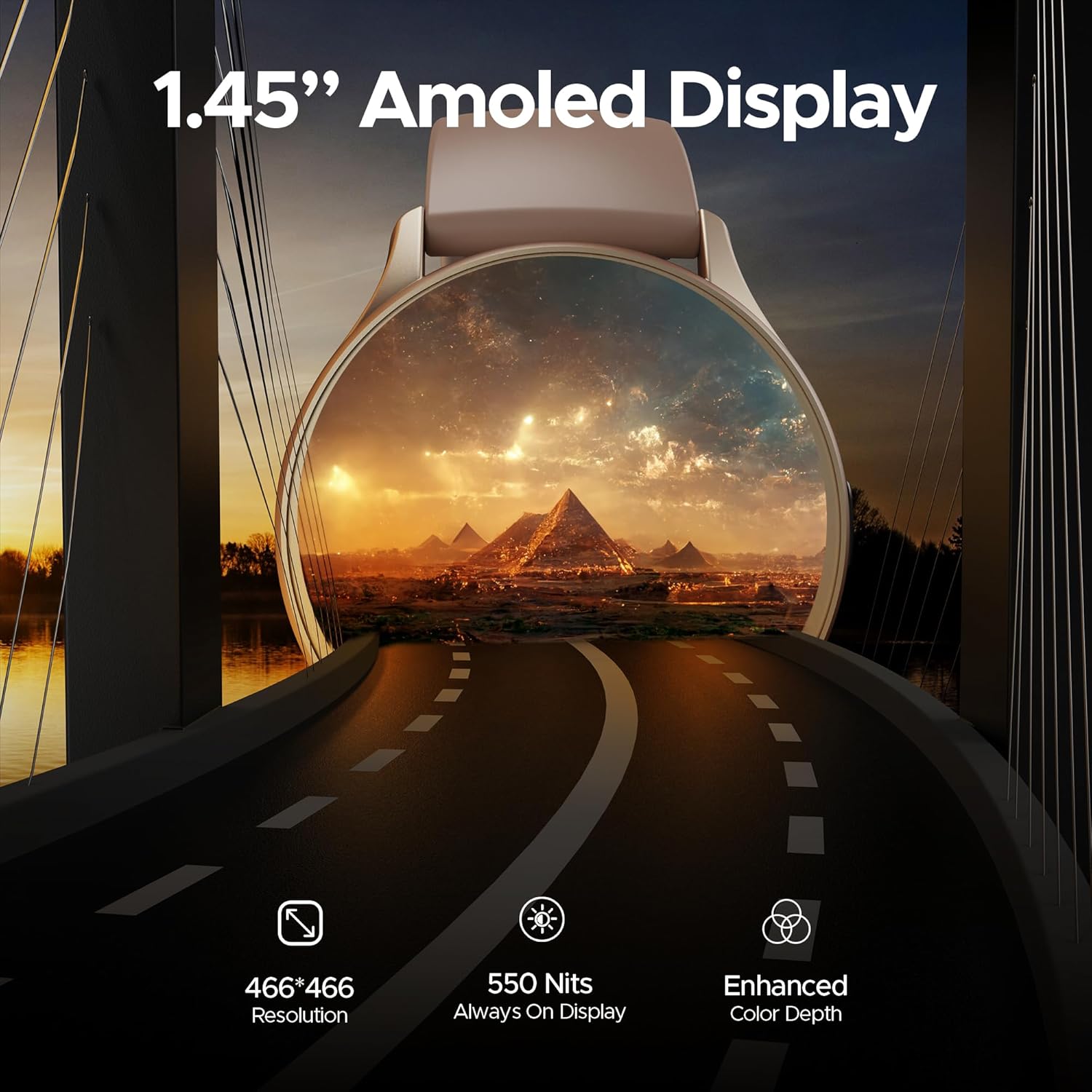
تصویر: ایک تفصیلی view of the smartwatch display highlighting its 1.45-inch AMOLED screen with 466x466 HD resolution and enhanced color depth.
4.2 Always On Display (AOD)
The Always On Display feature allows essential information, such as time, to remain visible on the screen without needing to activate the full display. This feature can be configured via the smartwatch settings or the companion app.
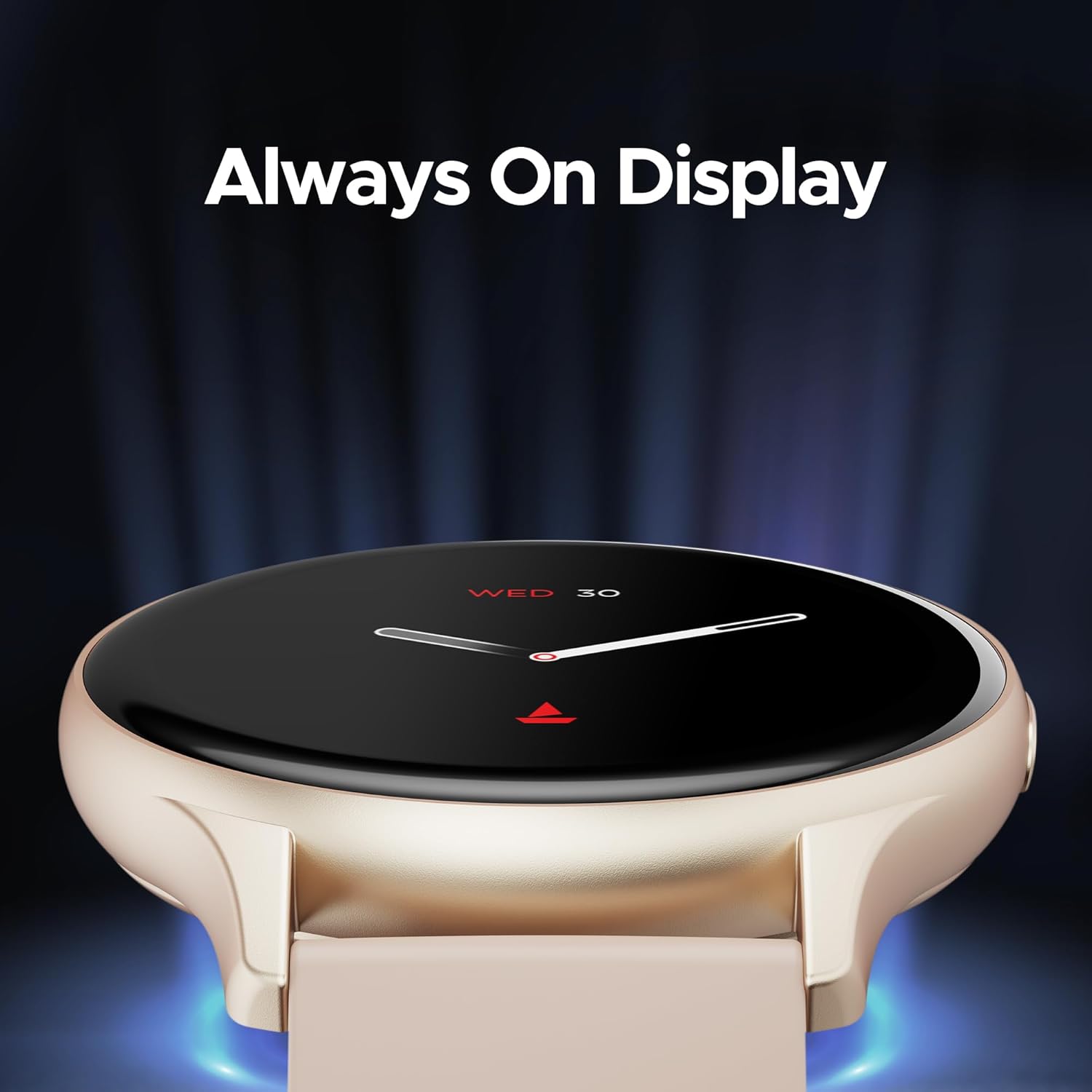
Image: The smartwatch displaying the time and date using the Always On Display feature.
4.3 بلوٹوتھ کالنگ
The advanced Bluetooth Calling feature enables you to make and receive calls directly from your smartwatch when connected to your smartphone. This includes a dialer and contact access.

Image: The smartwatch interface demonstrating Bluetooth calling functionality, including an incoming call notification and a dial pad.
4.4 Custom Watch Faces
Personalize your smartwatch with a variety of cloud-based and custom watch faces. These can be changed through the boAt Wearables app to match your style and preferences.
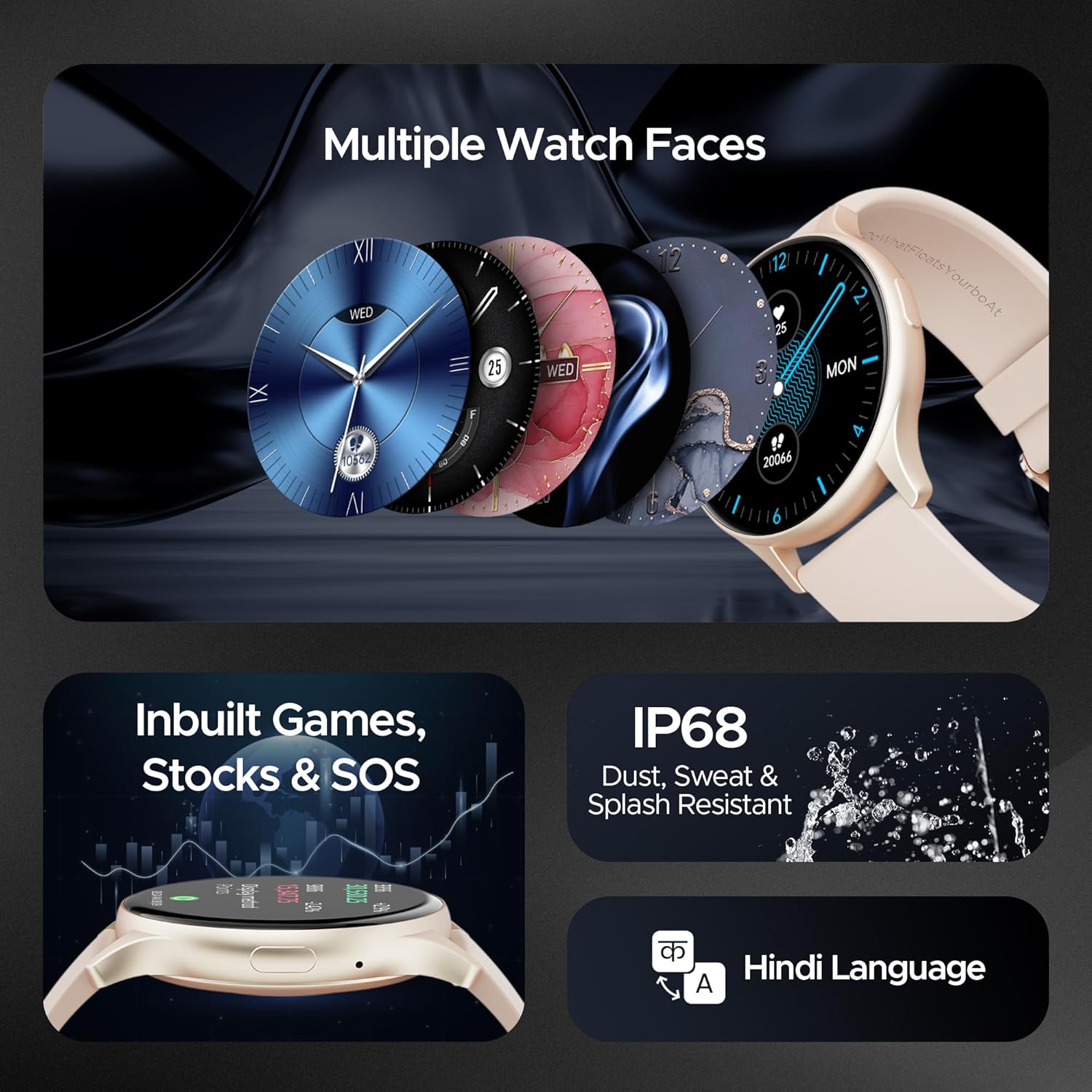
Image: A selection of diverse watch faces available for the smartwatch, alongside icons representing in-built games, stock tracking, and SOS features.
4.5 صحت کی نگرانی
The smartwatch includes various health monitoring features to help you track your well-being:
- دل کی دھڑکن کی نگرانی: دن بھر آپ کے دل کی دھڑکن کو مسلسل ٹریک کرتا ہے۔
- خون کی آکسیجن (SpO2) کی نگرانی: آپ کے خون میں آکسیجن کی سطح کی پیمائش کرتا ہے۔
- تناؤ کی نگرانی: آپ کے تناؤ کی سطح کے بارے میں بصیرت فراہم کرتا ہے۔
- نیند سے باخبر رہنا: آپ کی نیند کے نمونوں اور معیار کی نگرانی کرتا ہے۔
- 100+ کھیلوں کے طریقے: Tracks various activities and exercises.

Image: The smartwatch screen showing a sports mode interface, illustrating its capability to track over 100 different sports activities.
4.6 In-built Games, Stocks, and SOS
The smartwatch offers entertainment with in-built games, allows you to keep track of stock market information, and includes an SOS feature for emergency situations.
4.7 پائیداری
The boAt Lunar Peak Smartwatch is IP67 rated for dust, sweat, and splash resistance, making it suitable for various environments and activities.
5 دیکھ بھال
To ensure the longevity and proper functioning of your smartwatch, follow these maintenance guidelines:
- صفائی: Regularly wipe the watch and strap with a soft, dry cloth. For stubborn dirt, use a slightly damp کپڑے اور پھر اچھی طرح خشک. سخت کیمیکلز یا کھرچنے والے مواد سے پرہیز کریں۔
- چارج کرنا: Use only the provided charging cable. Do not expose the charging pins to water or corrosive liquids.
- پانی کی مزاحمت: While IP67 rated, avoid prolonged submersion in water, hot water, or steam. Dry the watch thoroughly if it gets wet.
- ذخیرہ: سمارٹ واچ کو براہ راست سورج کی روشنی اور انتہائی درجہ حرارت سے دور ٹھنڈی، خشک جگہ پر اسٹور کریں۔
- سافٹ ویئر اپ ڈیٹس: Keep the boAt Wearables app and your smartwatch firmware updated to benefit from new features and performance improvements.
6 خرابیوں کا سراغ لگانا
If you encounter issues with your boAt Lunar Peak Smartwatch, refer to the following common problems and solutions:
| مسئلہ | ممکنہ حل |
|---|---|
| Smartwatch not turning on | Ensure the watch is fully charged. Connect it to the charger for at least 30 minutes. If it still doesn't turn on, perform a hard reset (refer to the app for specific instructions). |
| Unable to pair with smartphone | Check if Bluetooth is enabled on your phone. Ensure the smartwatch is within range. Restart both the smartwatch and your phone. Clear the app's cache or reinstall the app. |
| صحت کا غلط ڈیٹا | اس بات کو یقینی بنائیں کہ گھڑی آپ کی کلائی پر اچھی طرح سے پہنی ہوئی ہے، زیادہ تنگ یا زیادہ ڈھیلی نہیں۔ گھڑی کے پیچھے سینسر صاف کریں۔ پیمائش کے دوران ضرورت سے زیادہ نقل و حرکت سے گریز کریں۔ |
| مختصر بیٹری کی زندگی | Reduce screen brightness. Limit the use of power-intensive features like continuous heart rate monitoring or Always On Display. Disable unnecessary notifications. |
| Bluetooth calling issues | Ensure the watch is properly connected via Bluetooth to your phone. Check the volume settings on both devices. Verify microphone and speaker are not obstructed. |
If the issue persists after attempting these solutions, please contact boAt customer support for further assistance.
7. وضاحتیں
Detailed technical specifications for the boAt Lunar Peak Smartwatch:
| فیچر | تفصیل |
|---|---|
| برانڈ | کشتی |
| ماڈل کا نام | Lunar Peak |
| آئٹم ماڈل نمبر | boAt Lunar Seek |
| ڈسپلے کی قسم | AMOLED |
| اسکرین کا سائز | 1.45 انچ (3.68 سینٹی میٹر) |
| قرارداد | 466 x 466 پکسلز |
| کنیکٹوٹی ٹیکنالوجی | بلوٹوتھ |
| وائرلیس قسم | بلوٹوتھ |
| خصوصی خصوصیات | Advanced Bluetooth Calling, Vivid AMOLED Display, Always On Display, Health Monitoring (Heart Rate, SpO2), In-built Games, Stocks, SOS |
| پانی کی مزاحمت کی درجہ بندی | IP67 (Dust, Sweat, and Splash Resistant) |
| بیٹری کی قسم | لتیم پولیمر |
| شے کا وزن | 45 گرام |
| مصنوعات کے طول و عرض | 4.8 x 10 x 12.3 سینٹی میٹر |
| اصل ملک | چین |
8. وارنٹی اور سپورٹ
Your boAt Lunar Peak Smartwatch comes with a standard brand warranty. Please refer to the included Warranty Card for specific terms, conditions, and duration of the warranty.
For technical support, warranty claims, or any other inquiries, please visit the official boAt website or contact their customer service department. Contact details are typically provided on the warranty card or the product packaging.


