1. اہم حفاظتی معلومات
Please read all safety instructions carefully before using your Xiaomi TV S Mini LED 75" 2025. Keep this manual for future reference.
- طاقت کا منبع: Connect the TV only to an AC power source as indicated on the label.
- وینٹیلیشن: ٹی وی کے ارد گرد مناسب وینٹیلیشن کو یقینی بنائیں۔ وینٹیلیشن کے سوراخوں کو مسدود نہ کریں۔
- پانی اور نمی: ٹی وی کو بارش یا نمی کے سامنے نہ رکھیں۔ ٹی وی پر مائعات سے بھری اشیاء نہ رکھیں۔
- صفائی: صاف کرنے سے پہلے ٹی وی کو ان پلگ کریں۔ نرم، خشک کپڑا استعمال کریں۔ مائع کلینرز سے پرہیز کریں۔
- سروسنگ: اس پروڈکٹ کو خود پیش کرنے کی کوشش نہ کریں۔ تمام سروسز کو اہل سروس اہلکاروں کے حوالے کریں۔
- جگہ کا تعین: ٹی وی کو ایک مستحکم، سطحی سطح پر رکھیں یا ہم آہنگ VESA ماؤنٹ کا استعمال کرتے ہوئے اسے محفوظ طریقے سے دیوار پر چڑھائیں۔
2. پیکیج کے مشمولات
تصدیق کریں کہ تمام اشیاء پیکیج میں موجود ہیں:
- Xiaomi TV S Mini LED 75" 2025
- ریموٹ کنٹرول
- پاور کیبل
- TV Stand Components (if included)
- صارف دستی (یہ دستاویز)
3. سیٹ اپ گائیڈ
3.1 ٹی وی کا پیک کھولنا
Carefully remove the TV from its packaging. It is recommended to have two people for this process due to the size and weight of the 75-inch model.
3.2 Installing the TV Stand (Optional)
If you are not wall-mounting the TV, attach the included stand components according to the separate stand installation guide. Ensure all screws are tightened securely.
3.3 وال ماؤنٹنگ (اختیاری)
The Xiaomi TV S Mini LED 75" 2025 supports VESA wall mounts with a pattern of 400 x 300 mm. Use appropriate wall-mounting hardware and consult a professional for installation to prevent injury or damage.
3.4 کنیکٹنگ پیری فیرلز
Connect your devices to the TV's input ports. Refer to the back panel image for port locations.
تصویر: پیچھے view of the TV displaying available connection ports.
- طاقت: پاور کیبل کو ٹی وی سے اور پھر پاور آؤٹ لیٹ سے جوڑیں۔
- HDMI: Connect Blu-ray players, game consoles, or other HDMI devices.
- USB: میڈیا پلے بیک کے لیے USB اسٹوریج ڈیوائسز کو جوڑیں۔
- ایتھرنیٹ: وائرڈ انٹرنیٹ کنکشن کے لیے۔
- اینٹینا/کیبل: اپنا اینٹینا یا کیبل ٹی وی ان پٹ جوڑیں۔
3.5 ابتدائی پاور آن اور پہلی بار سیٹ اپ
After connecting all cables, plug in the TV and press the power button on the remote control. Follow the on-screen instructions to complete the initial setup, including network connection, Google account login, and channel scanning.

تصویر: سامنے view of the Xiaomi TV S Mini LED 75" 2025.
4. آپریٹنگ ہدایات
4.1 ریموٹ کنٹرول اوورview
شامل ریموٹ کنٹرول تمام ٹی وی فنکشنز تک رسائی فراہم کرتا ہے۔ آسان نیویگیشن کے لیے بٹن لے آؤٹ سے اپنے آپ کو آشنا کریں۔
4.2 بنیادی افعال
- طاقت: ٹی وی کو آن یا آف کرنے کیلئے دبائیں۔
- والیوم: Use the +/- buttons to adjust the sound level.
- چینل: چینلز کو تبدیل کرنے کے لیے CH +/- بٹن استعمال کریں۔
- ان پٹ: Select the desired input source (HDMI, AV, etc.).
- گھر: Access the Google TV home screen.
4.3 سمارٹ ٹی وی کی خصوصیات (گوگل ٹی وی)
Your Xiaomi TV runs on Google TV, offering a personalized entertainment experience.

Image: Google TV interface with app icons and content suggestions.
- ایپس: گوگل پلے اسٹور سے ایپلی کیشنز ڈاؤن لوڈ اور انسٹال کریں۔
- آواز معاون: Use the built-in Google Assistant for voice commands.
- مواد کی سفارشات: Google TV provides personalized recommendations based on your viewعادات

Image: Using the Hey Google voice assistant to search for content.
4.4 ڈسپلے کی ترتیبات
اپنی اصلاح کے لیے تصویر کی ترتیبات کو ایڈجسٹ کریں۔ viewتجربہ ہے.
تصویر: ختمview of the TV's advanced display technologies.
- تصویر کے طریقوں: Select from various preset modes (e.g., Standard, Vivid, Movie, Game) or customize your own.
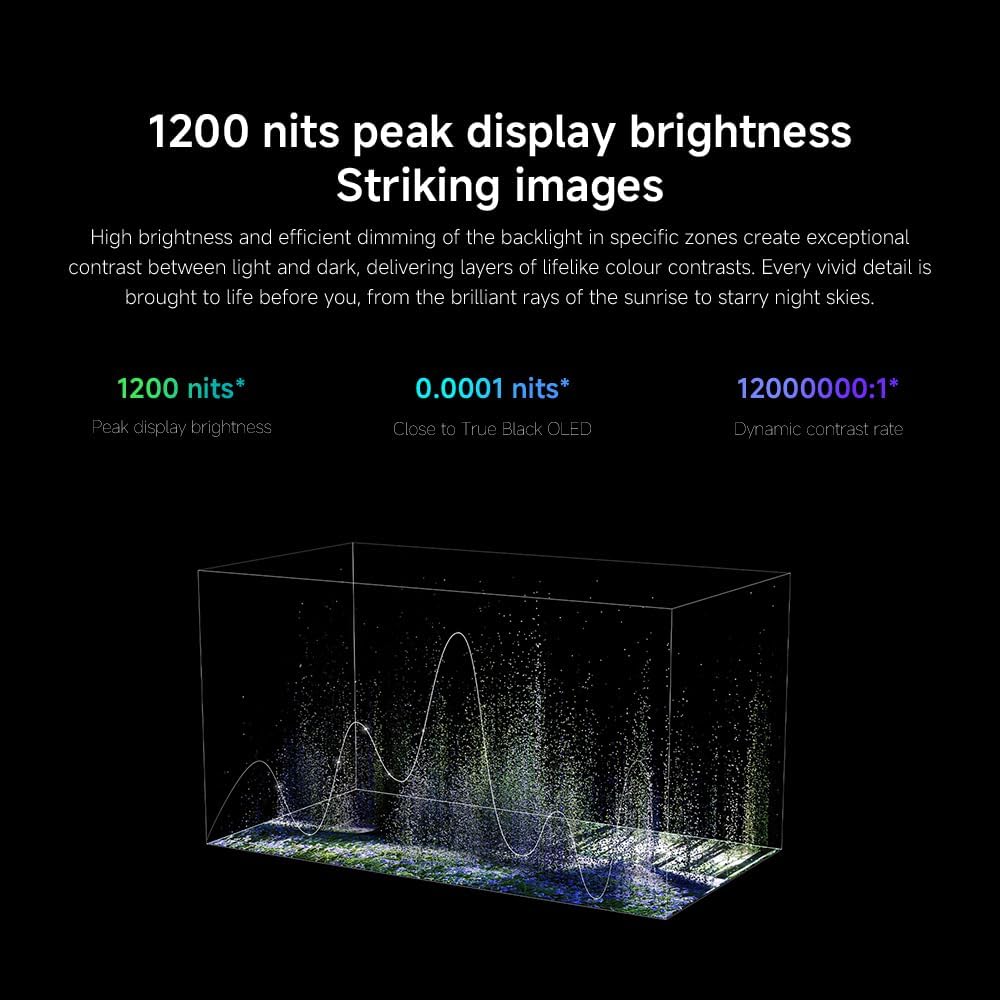
- چمک / تضاد: Fine-tune these settings for optimal visual clarity. The TV features 1200 nits peak brightness for stunning visuals.
- رنگ: Adjust color saturation and tint. The QD-MiniLED display offers accurate color reproduction.
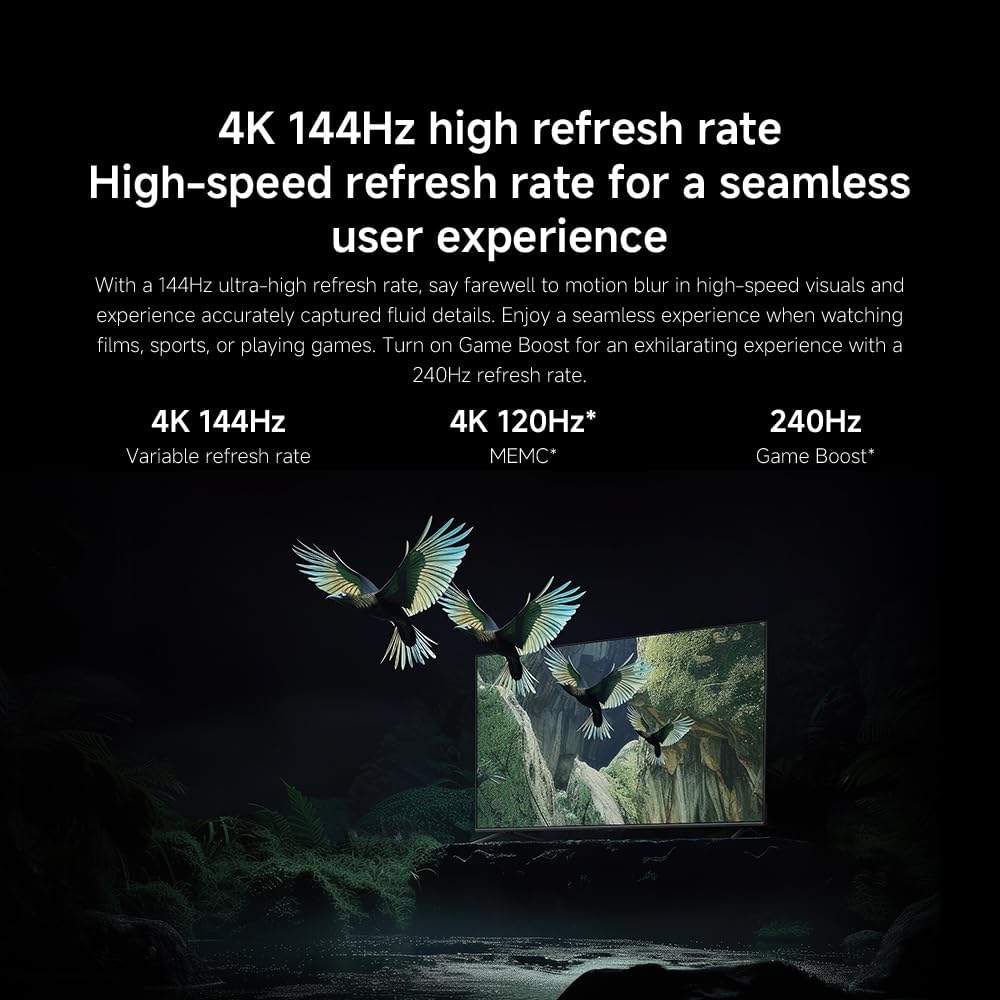
- ریفریش ریٹ: The TV supports a 144Hz refresh rate for ultra-smooth motion.
- AI انجن: The powerful AI engine enhances image quality automatically.

Image: Visual representation of the 144Hz refresh rate for seamless motion.
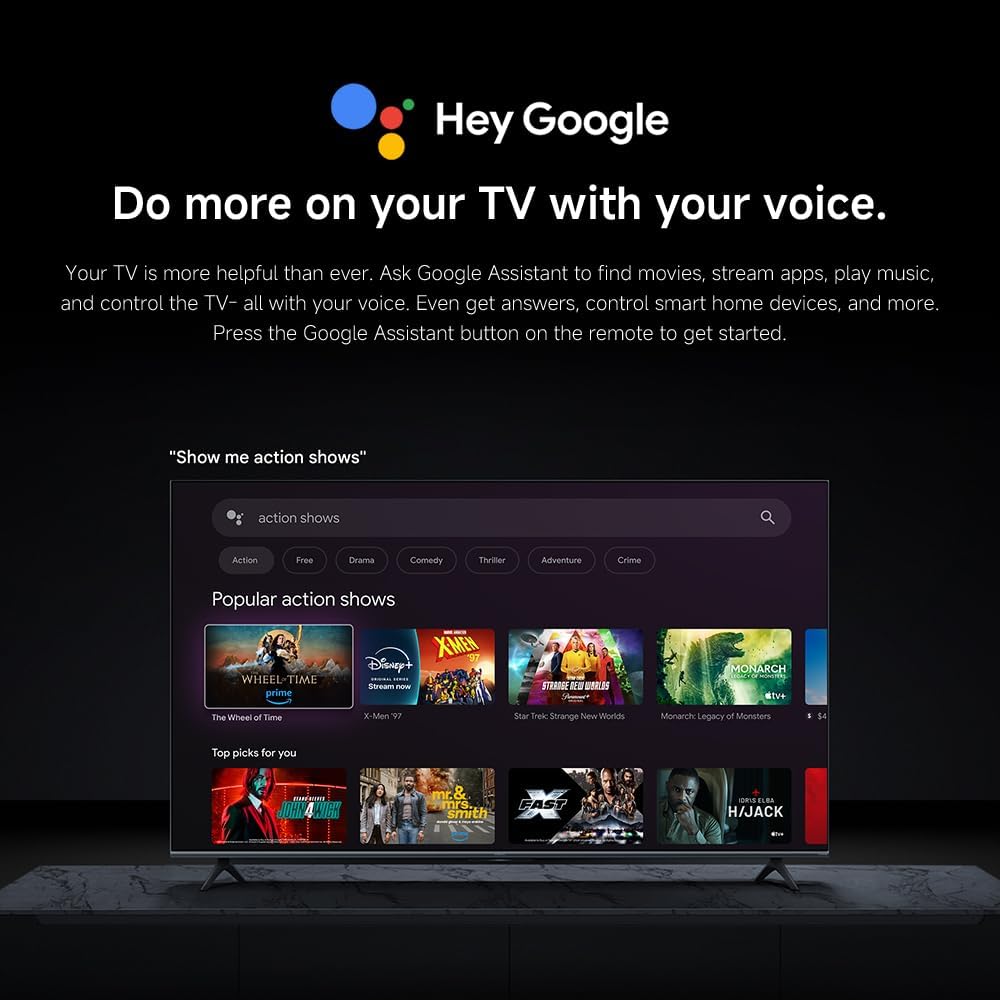
Image: The Quad cortex A73 processor, responsible for AI image enhancement and performance.
4.5 آڈیو سیٹنگز
Configure audio output and sound enhancements.

Image: Depiction of the TV's quality audio-visual experience.
- صوتی وضع: Choose from preset sound modes (e.g., Standard, Movie, Music) or customize.
- Dolby Atmos: Enable Dolby Atmos for an immersive audio experience.
4.6 کنیکٹیویٹی
The TV offers various connectivity options.
- بلوٹوتھ: Connect Bluetooth-enabled devices such as headphones or speakers.
- وائی فائی: انٹرنیٹ تک رسائی کے لیے اپنے گھر کے وائرلیس نیٹ ورک سے جڑیں۔
- ایپل ایئر پلے: Stream content directly from your Apple devices.
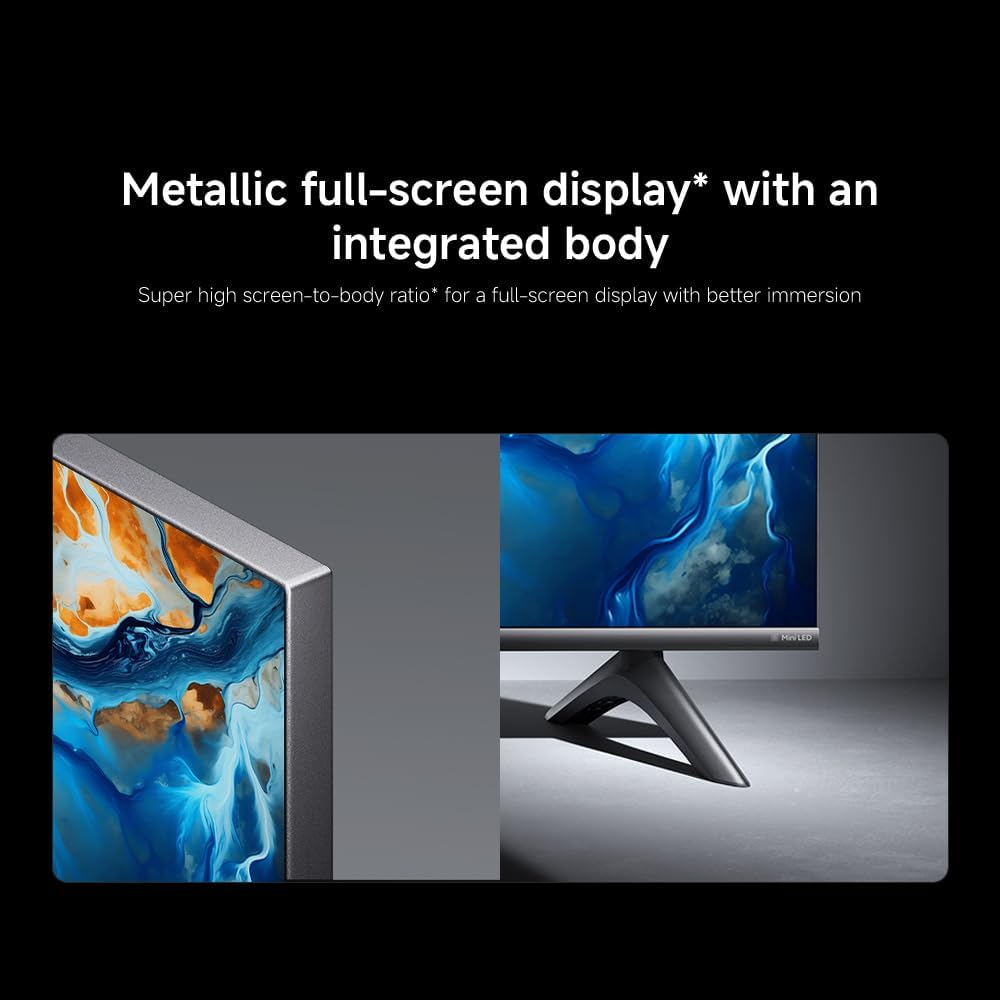
Image: Apple AirPlay functionality for streaming from Apple devices.
5 دیکھ بھال
5.1 اسکرین کی صفائی
اسکرین صاف کرنے کے لیے، پہلے ٹی وی کو ان پلگ کریں۔ نرم، لنٹ فری کپڑے سے اسکرین کو آہستہ سے صاف کریں۔ ضدی نشانات کے لیے، تھوڑا سا ڈیampen the cloth with water or a specialized screen cleaner, then wipe dry immediately. Do not spray liquid directly onto the screen.
5.2 سافٹ ویئر اپ ڈیٹس
The TV may receive software updates periodically to improve performance and add new features. Ensure your TV is connected to the internet to receive these updates. You can check for updates manually in the TV's settings menu.
6 خرابیوں کا سراغ لگانا
اگر آپ کو اپنے ٹی وی کے ساتھ مسائل درپیش ہیں، تو درج ذیل عام حل سے رجوع کریں:
| مسئلہ | ممکنہ حل |
|---|---|
| کوئی طاقت نہیں۔ | چیک کریں کہ آیا پاور کیبل محفوظ طریقے سے TV اور پاور آؤٹ لیٹ سے منسلک ہے۔ یقینی بنائیں کہ آؤٹ لیٹ فعال ہے۔ |
| کوئی تصویر نہیں، لیکن آواز موجود ہے۔ | تصدیق کریں کہ صحیح ان پٹ ذریعہ منتخب کیا گیا ہے۔ بیرونی آلات سے کیبل کنکشن چیک کریں۔ |
| کوئی آواز نہیں لیکن تصویر موجود ہے۔ | Check volume level and mute status. Ensure audio cables are connected correctly. |
| ریموٹ کنٹرول کام نہیں کر رہا ہے۔ | بیٹریاں تبدیل کریں۔ اس بات کو یقینی بنائیں کہ ریموٹ اور ٹی وی کے درمیان کوئی رکاوٹ نہ ہو۔ |
| ناقص تصویر کا معیار۔ | Adjust picture settings (brightness, contrast, sharpness). Check antenna or cable connection. Ensure content source is high quality. |
| Smart TV features unresponsive | Check internet connection. Restart the TV by unplugging it for a few minutes and plugging it back in. |
If the issue persists after trying these steps, contact customer support.
7. وضاحتیں
Key technical specifications for the Xiaomi TV S Mini LED 75" 2025:
| فیچر | تفصیلات |
|---|---|
| برانڈ | XIAOMI |
| ماڈل نمبر | 59292 |
| اسکرین کا سائز | 75 انچ |
| ڈسپلے ٹیکنالوجی | 4K UHD, LED, QD-MiniLED |
| قرارداد | 4K (3840 x 2160) |
| ریفریش ریٹ | 144 Hz |
| چوٹی کی چمک | 1200 نٹس |
| آپریٹنگ سسٹم | گوگل ٹی وی |
| پروسیسر | Quad Cortex A73 |
| رام | 3 جی بی |
| ذخیرہ | 32 جی بی |
| آڈیو ٹیکنالوجی | ڈولبی ایٹموس |
| کنیکٹوٹی | Bluetooth, Wi-Fi, Apple AirPlay |
| پروڈکٹ کے طول و عرض (اسٹینڈ کے ساتھ) | 42.5D x 166.8W x 102.8H سینٹی میٹر |
| مصنوعات کا وزن (اسٹینڈ کے ساتھ) | 31 کلوگرام |
| VESA وال ماؤنٹ | 400 x 300 ملی میٹر |
| شامل اجزاء | TV, remote control, power cable |
8. وارنٹی اور سپورٹ
Your Xiaomi TV S Mini LED 75" 2025 is covered by a manufacturer's warranty. Please refer to the warranty card included in your package for specific terms and conditions. For technical support, service inquiries, or to purchase accessories, please visit the official Xiaomi webسائٹ یا ان کے مجاز سروس سینٹرز سے رابطہ کریں۔
آن لائن وسائل: For additional information, FAQs, and software downloads, visit the official Xiaomi support page.


