تعارف
Thank you for choosing the ATTACK SHARK G500 Wireless Over-ear Noise Canceling Headphones. This manual provides detailed instructions for setting up, operating, maintaining, and troubleshooting your new headphones. Please read this manual thoroughly before use to ensure optimal performance and longevity of your device.
پروڈکٹ ختمview
The ATTACK SHARK G500 headphones are designed to deliver a superior audio experience with advanced Active Noise Cancellation (ANC) technology. They offer versatile connectivity options, comfortable wear, and long-lasting battery life, making them suitable for various activities from gaming to travel.

Figure 1: ATTACK SHARK G500 Wireless Over-ear Noise Canceling Headphones (Beige)
The image displays the ATTACK SHARK G500 headphones in a beige color, highlighting their over-ear design and cushioned earcups.
پیکیج کے مشمولات
- ATTACK SHARK G500 Wireless Over-ear Headphones
- USB ٹائپ سی چارجنگ کیبل
- 3.5 ملی میٹر آڈیو کیبل
- صارف دستی

Figure 2: Included accessories with the G500 headphones
This image shows the complete package contents, including the headphones, charging cable, 3.5mm audio cable, and the user manual.
سیٹ اپ
1. ہیڈ فون چارج کرنا
- Locate the USB Type-C charging port on the headphone earcup.
- Connect the provided USB Type-C charging cable to the headphones and a compatible USB power source (e.g., computer, wall adapter).
- The LED indicator will illuminate during charging. A full charge typically takes approximately 2 hours.
- چارجنگ مکمل ہونے پر ایل ای ڈی انڈیکیٹر کا رنگ بدل جائے گا یا بند ہو جائے گا۔
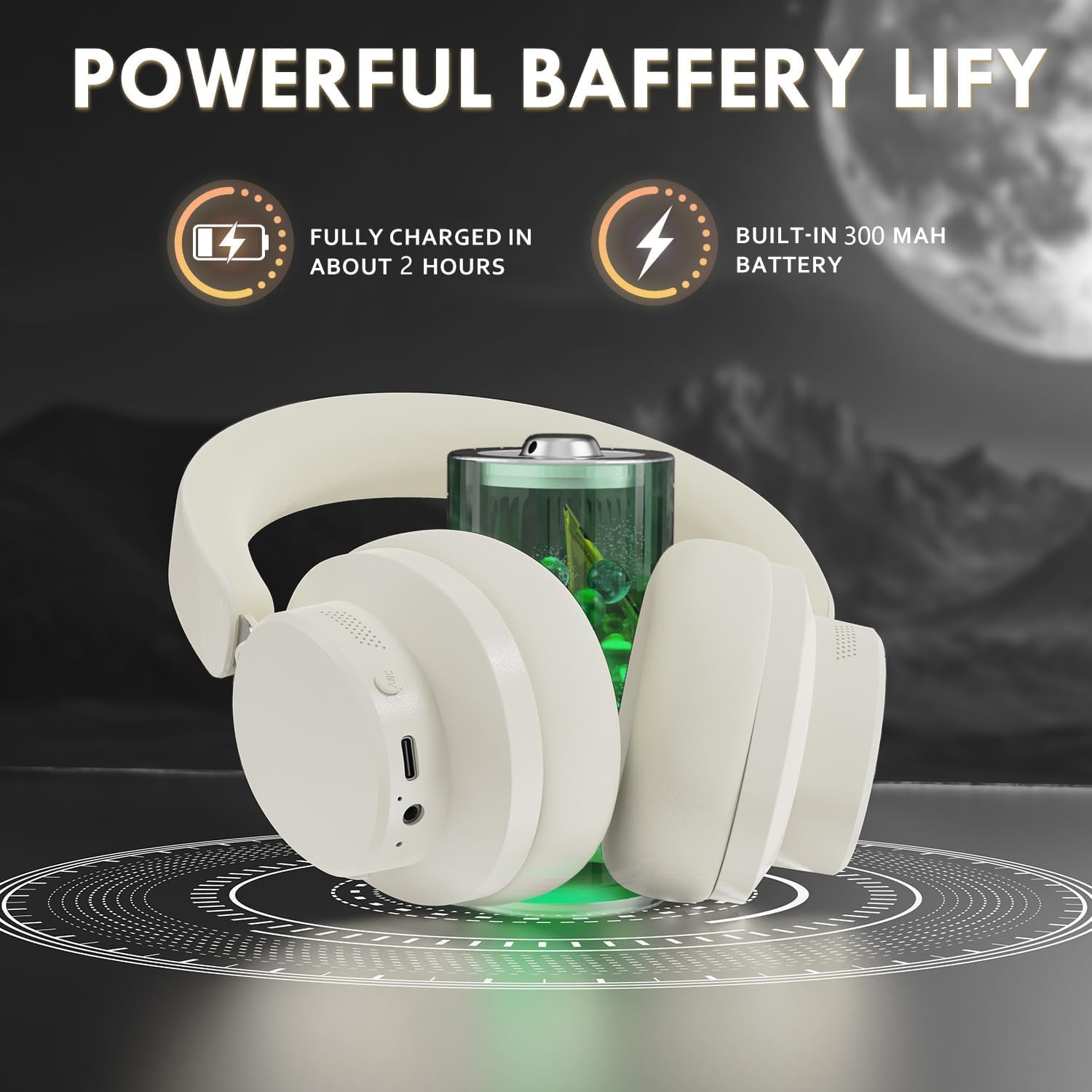
Figure 3: Location of the charging port and LED indicator
This image highlights the USB Type-C charging port and the LED indicator on the headphone earcup, essential for monitoring charging status.
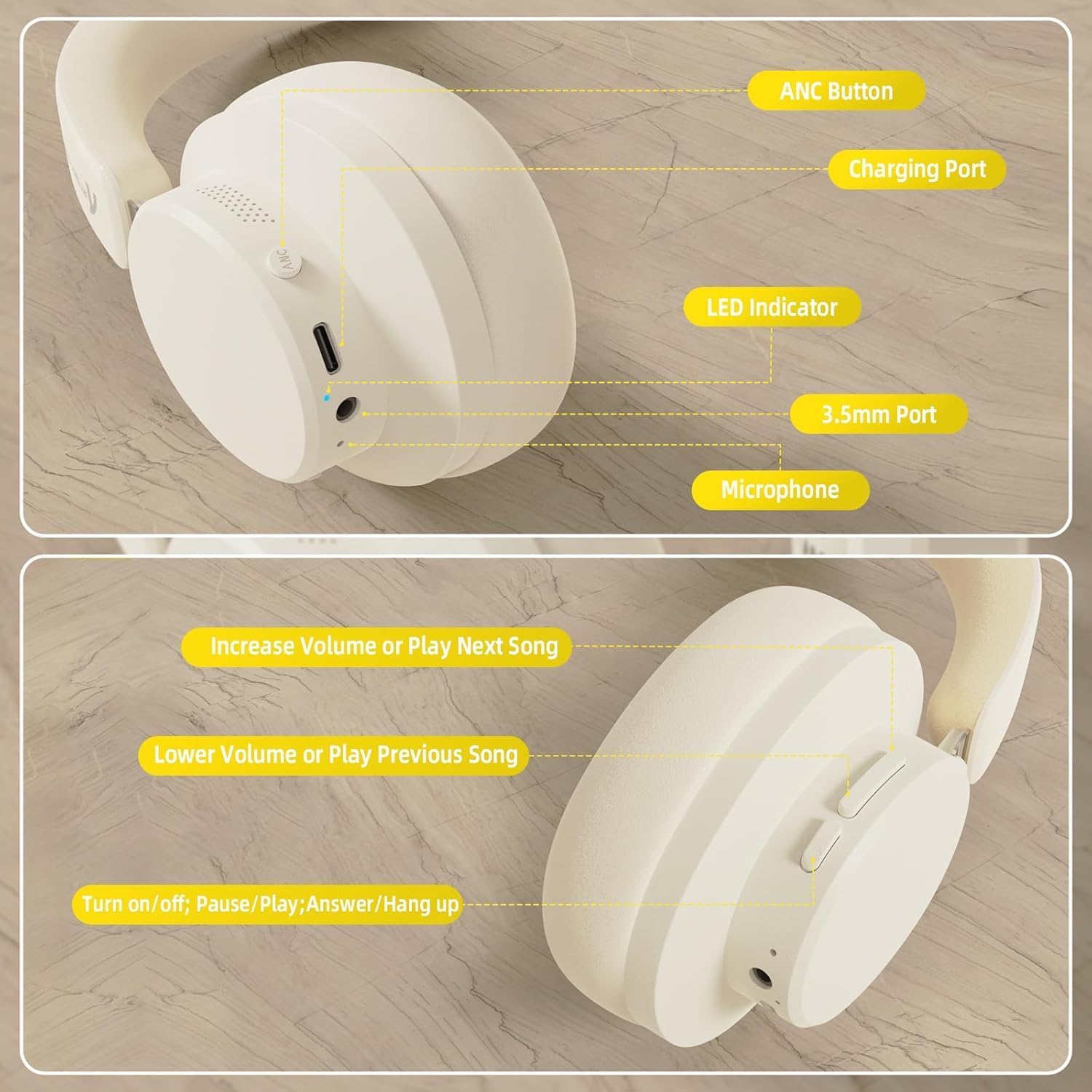
Figure 4: Visual representation of headphones charging
The image illustrates the headphones connected to a power source, with a battery icon indicating the charging process.
2. بلوٹوت جوڑی بنانا
- یقینی بنائیں کہ ہیڈ فون مکمل طور پر چارج اور پاور آف ہیں۔
- Press and hold the Power/Multi-function button until the LED indicator flashes, indicating pairing mode.
- اپنے آلے پر (اسمارٹ فون، ٹیبلیٹ، لیپ ٹاپ)، بلوٹوتھ کو فعال کریں اور دستیاب آلات تلاش کریں۔
- Select "ATTACK SHARK G500" from the list of devices to pair.
- The LED indicator will stop flashing and remain solid once successfully paired.
Video 1: ATTACK SHARK G300 Wireless Over-Ear Headphones (demonstrates general headphone features, including connectivity)
یہ ویڈیو ایک جنرل اوور فراہم کرتا ہے۔view of ATTACK SHARK wireless over-ear headphones, showcasing their design and some features, which can be helpful for understanding the physical aspects and basic operation of the G500 model.

Figure 5: Dual mode connection example
The image illustrates the headphones connected wirelessly to both a smartphone and a laptop, demonstrating the dual-mode connectivity.
3. وائرڈ کنکشن۔
- Insert one end of the 3.5mm audio cable into the 3.5mm port on the headphone earcup.
- 3.5mm آڈیو کیبل کے دوسرے سرے کو اپنے آلے کے آڈیو آؤٹ پٹ جیک سے جوڑیں۔
- ہیڈ فون خود بخود وائرڈ موڈ میں بدل جائیں گے۔
آپریٹنگ ہدایات
کنٹرولز ختم۔view
شکل 6: تفصیلی view of headphone controls
This image provides a clear diagram of all control buttons and ports on the headphones, including the ANC button, charging port, LED indicator, 3.5mm port, and microphone.
پاور آن/آف
- To Power On: Press and hold the Multi-function button for 3 seconds.
- To Power Off: Press and hold the Multi-function button for 3 seconds.
فعال شور منسوخ کرنا (این این سی)
- Press the ANC button to toggle Active Noise Cancellation on/off.
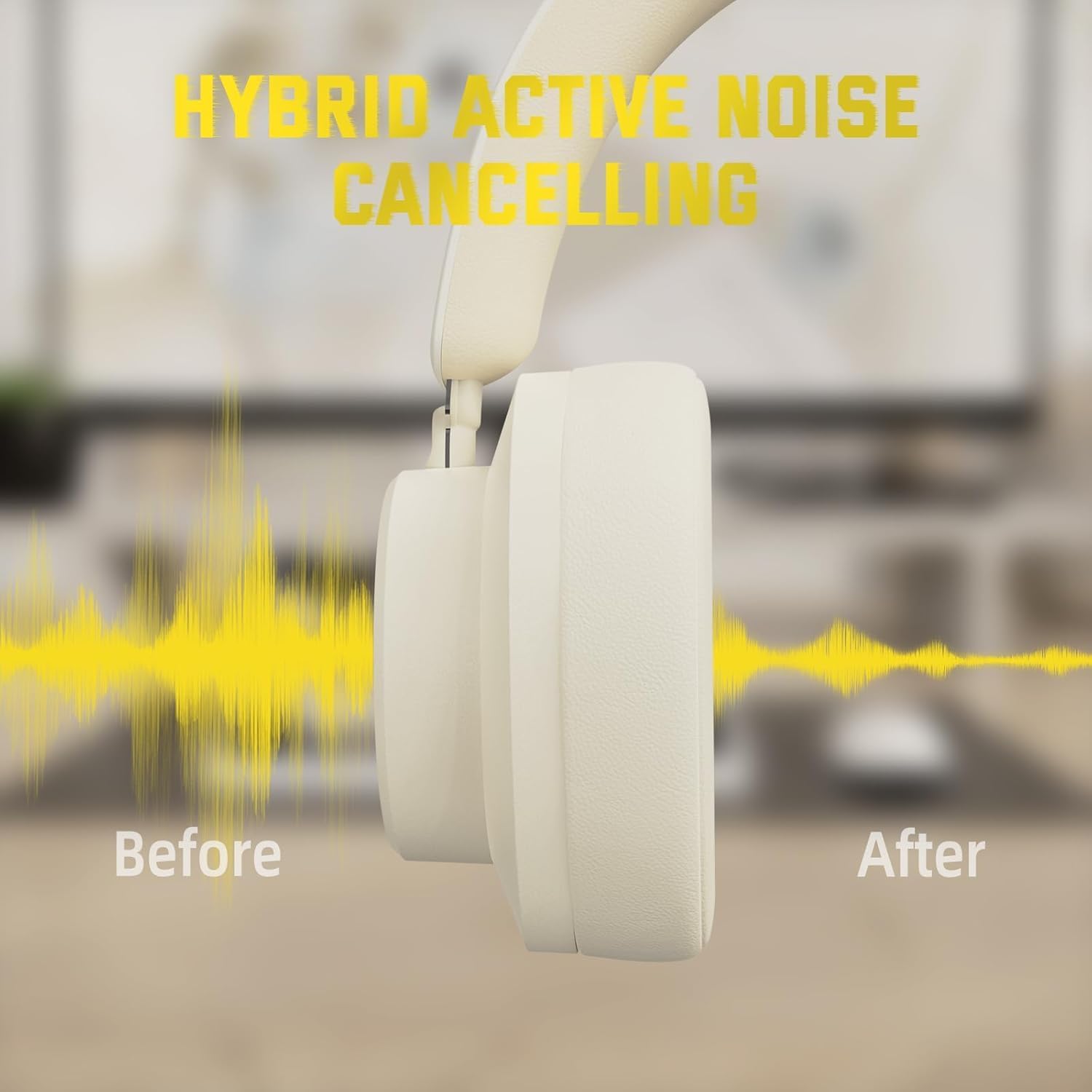
- When ANC is active, ambient noise will be significantly reduced.
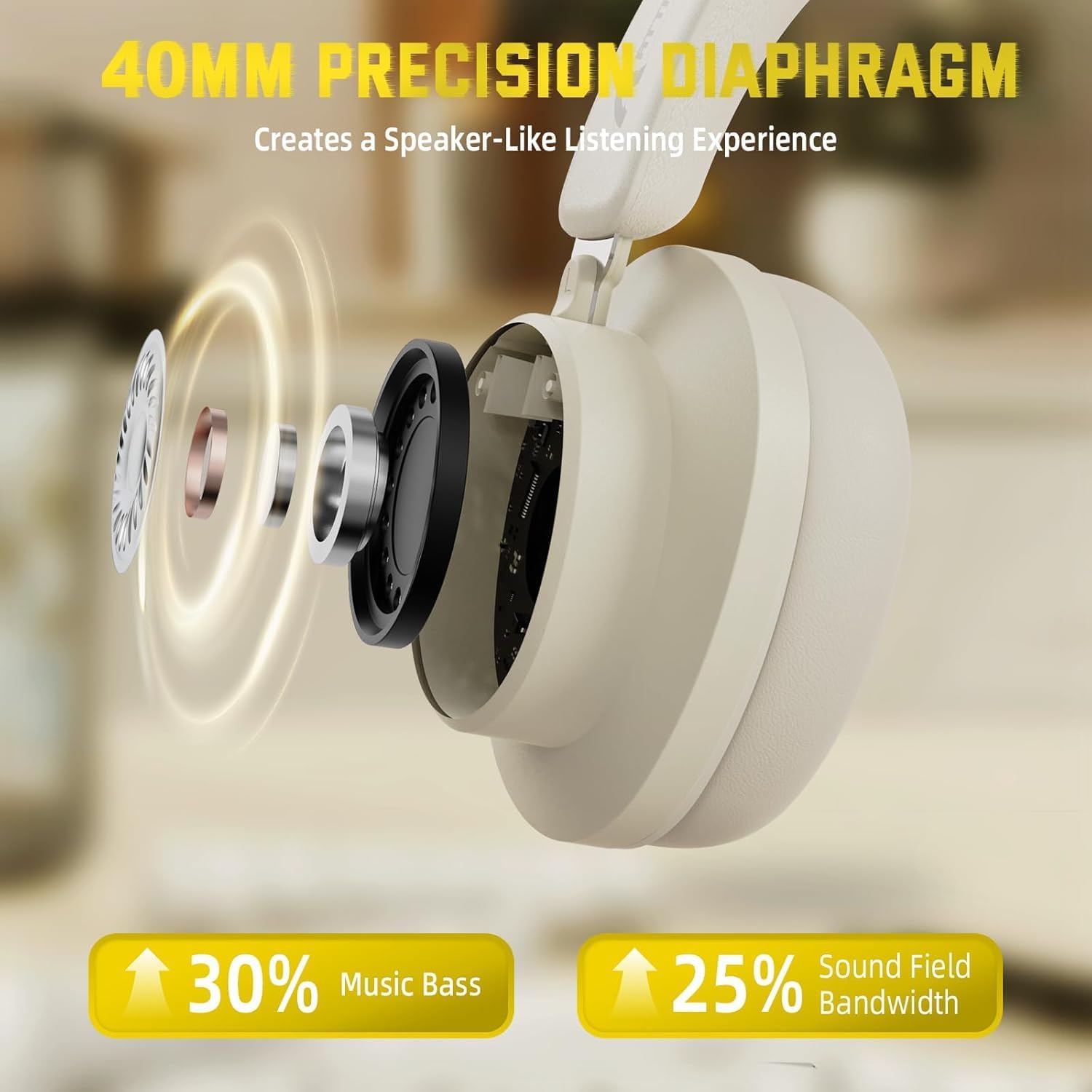
Figure 7: Hybrid Active Noise Cancelling in action
This diagram visually represents the effect of Hybrid Active Noise Cancelling, showing how external noise is reduced when the feature is activated.
میوزک پلے بیک اور کالز
- Play/Pause: Short press the Multi-function button.
- Next Song: Long press the Volume + button.
- Previous Song: Long press the Volume - button.
- Volume Up: Short press the Volume + button.
- Volume Down: Short press the Volume - button.
- Answer/End Call: Short press the Multi-function button.
- Reject Call: Long press the Multi-function button.
دیکھ بھال
- ہیڈ فون کو نرم، خشک کپڑے سے باقاعدگی سے صاف کریں۔
- ہیڈ فون کو انتہائی درجہ حرارت، نمی یا مائعات کے سامنے لانے سے گریز کریں۔
- Store the headphones in a cool, dry place when not in use. The rotatable earcups allow for compact storage.
- ہیڈ فون کو خود سے جدا کرنے یا مرمت کرنے کی کوشش نہ کریں، کیونکہ اس سے وارنٹی ختم ہو جائے گی۔

Figure 8: Rotatable earcups for easy storage
This image demonstrates the rotatable earcups, which allow the headphones to be folded flat for convenient storage and portability.
خرابی کا سراغ لگانا
| مسئلہ | ممکنہ حل |
|---|---|
| ہیڈ فون آن نہیں ہو رہے ہیں۔ | Ensure the headphones are fully charged. Press and hold the Multi-function button for 3-5 seconds. |
| بلوٹوتھ کے ذریعے جوڑا بنانے سے قاصر | Make sure the headphones are in pairing mode (flashing LED). Turn off and on Bluetooth on your device. Ensure the headphones are not connected to another device. |
| No sound in wireless mode | Check device volume and headphone volume. Ensure headphones are successfully paired. Try re-pairing. |
| وائرڈ موڈ میں کوئی آواز نہیں ہے۔ | Ensure the 3.5mm audio cable is securely connected to both the headphones and the device. Check device volume. |
| ANC مؤثر طریقے سے کام نہیں کر رہا ہے۔ | Ensure the ANC button is pressed and the feature is active. Adjust headphone fit to ensure a good seal around your ears. |
وضاحتیں
| فیچر | تفصیل |
|---|---|
| ماڈل کا نام | جی 500 |
| کنیکٹوٹی ٹیکنالوجی | وائرڈ، وائرلیس (بلوٹوتھ 5.0) |
| ہیڈ فون جیک | 3.5 ملی میٹر جیک |
| شور کنٹرول | Active Noise Cancellation (21±2DB reduction) |
| آڈیو ڈرائیور کی قسم | 40mm Neodymium Dynamic Driver |
| بیٹری کی زندگی | Up to 20 Hours (300 mAh battery) |
| مواد | Memory Foam, Plastic/Other Lightweight Polymer |
| شے کا وزن | 10.8 اونس (تقریباً 210 گرام) |
| خصوصی خصوصیات | Microphone Included, Rechargeable Battery, Rotatable Earcups |
| ہم آہنگ آلات | Laptops, Desktops, Tablets, Telephones, Gaming Consoles, Cellphones |
وارنٹی اور سپورٹ
For warranty information and customer support, please refer to the official ATTACK SHARK webسائٹ یا اپنے خوردہ فروش سے رابطہ کریں۔ وارنٹی دعووں کے لیے خریداری کے ثبوت کے طور پر اپنی خریداری کی رسید رکھیں۔


