1. تعارف
This manual provides essential information for the proper setup, operation, and maintenance of your SANSUI 24 Inch Gaming Monitor. Please read this manual thoroughly before using the product to ensure optimal performance and safety.
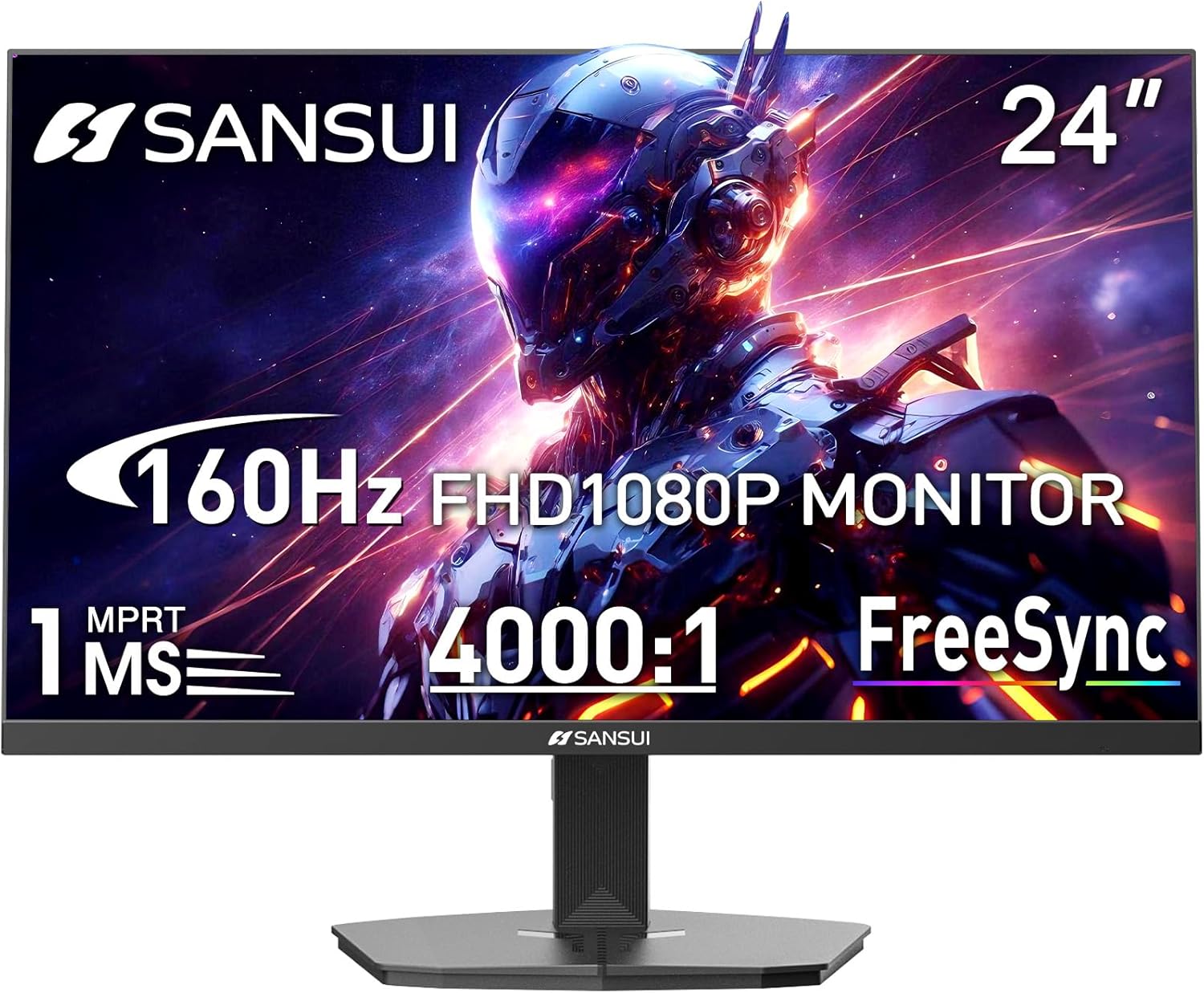
Image 1.1: SANSUI 24 Inch Gaming Monitor (Model ES-G24F4M)
2. حفاظتی معلومات
- یقینی بنائیں کہ مانیٹر کو ایک مستحکم سطح پر رکھا گیا ہے تاکہ حادثاتی گرنے سے بچا جا سکے۔
- مانیٹر کو بارش، نمی، یا انتہائی درجہ حرارت کے سامنے نہ رکھیں۔
- زیادہ گرمی سے بچنے کے لیے وینٹیلیشن کے سوراخوں کو روکنے سے گریز کریں۔
- مانیٹر کے ساتھ فراہم کردہ پاور اڈاپٹر ہی استعمال کریں۔
- صفائی سے پہلے بجلی کی کیبل کو آؤٹ لیٹ سے منقطع کر دیں یا اگر مانیٹر طویل مدت تک استعمال نہیں کیا جائے گا۔
3. پیکیج کے مشمولات
تصدیق کریں کہ تمام اشیاء پیکیج میں موجود ہیں:
- SANSUI 24 Inch Gaming Monitor
- HDMI کیبل x 1
- پاور اڈاپٹر x 1
- فوری انسٹالیشن گائیڈ
- وارنٹی کارڈ
4. مصنوعات کی خصوصیات
- ڈسپلے سائز: 24 انچ
- قرارداد: FHD 1080p (1920 x 1080 پکسلز)
- ریفریش ریٹ: 160Hz
- جواب کا وقت: 1ms MPRT
- تناسب تناسب: 4000:1
- چمک: 300 cd/m²
- رنگین پہلو: 72% sRGB
- ٹیکنالوجی: FreeSync, HDR, Anti-flicker, Anti-Glare, Low Blue Light Eye Care
- بندرگاہیں: HDMI & DP Ports (HDMI Cable Included)
- چڑھنا: VESA Support (75x75mm)
- طول و عرض: 21.2 x 7.95 x 16.28 انچ
- وزن: 3.54 پاؤنڈ
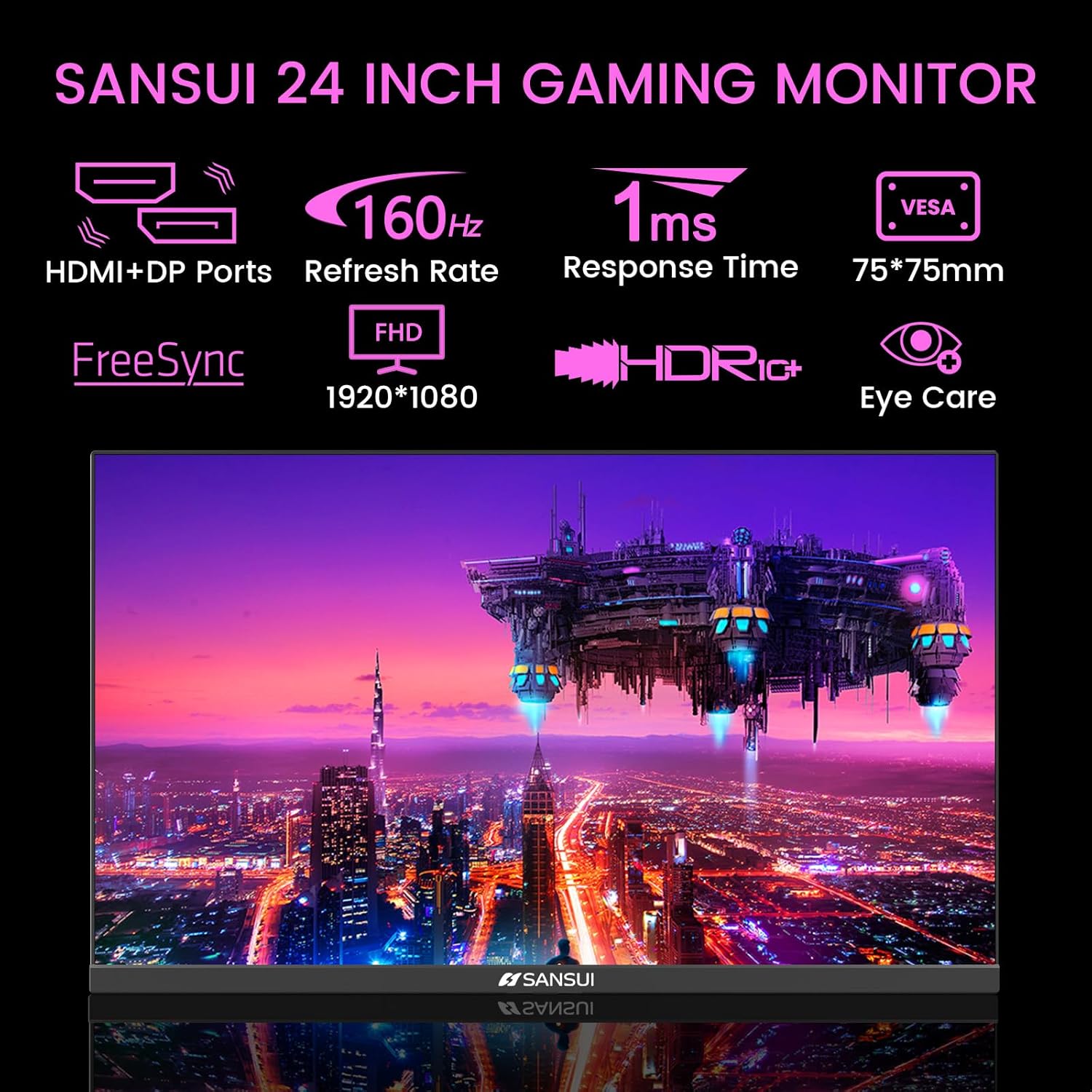
Image 4.1: Key Features of the SANSUI 24 Inch Gaming Monitor.
5. سیٹ اپ
5.1 اسٹینڈ کو جمع کرنا
- پیکیجنگ سے مانیٹر اور اسٹینڈ کے اجزاء کو احتیاط سے ہٹا دیں۔
- فراہم کردہ پیچ کا استعمال کرتے ہوئے اسٹینڈ بیس کو اسٹینڈ گردن سے جوڑیں۔
- جمع شدہ اسٹینڈ کو مانیٹر کے پچھلے حصے میں محفوظ کریں۔ اس بات کو یقینی بنائیں کہ یہ جگہ پر کلک کرتا ہے یا ڈیزائن کے لحاظ سے پیچ کے ساتھ محفوظ طریقے سے باندھا جاتا ہے۔
5.2 VESA ماؤنٹنگ (اختیاری)
The monitor supports VESA 75x75mm mounting. If using a VESA mount, remove the pre-attached stand and follow the instructions provided with your VESA mounting kit.
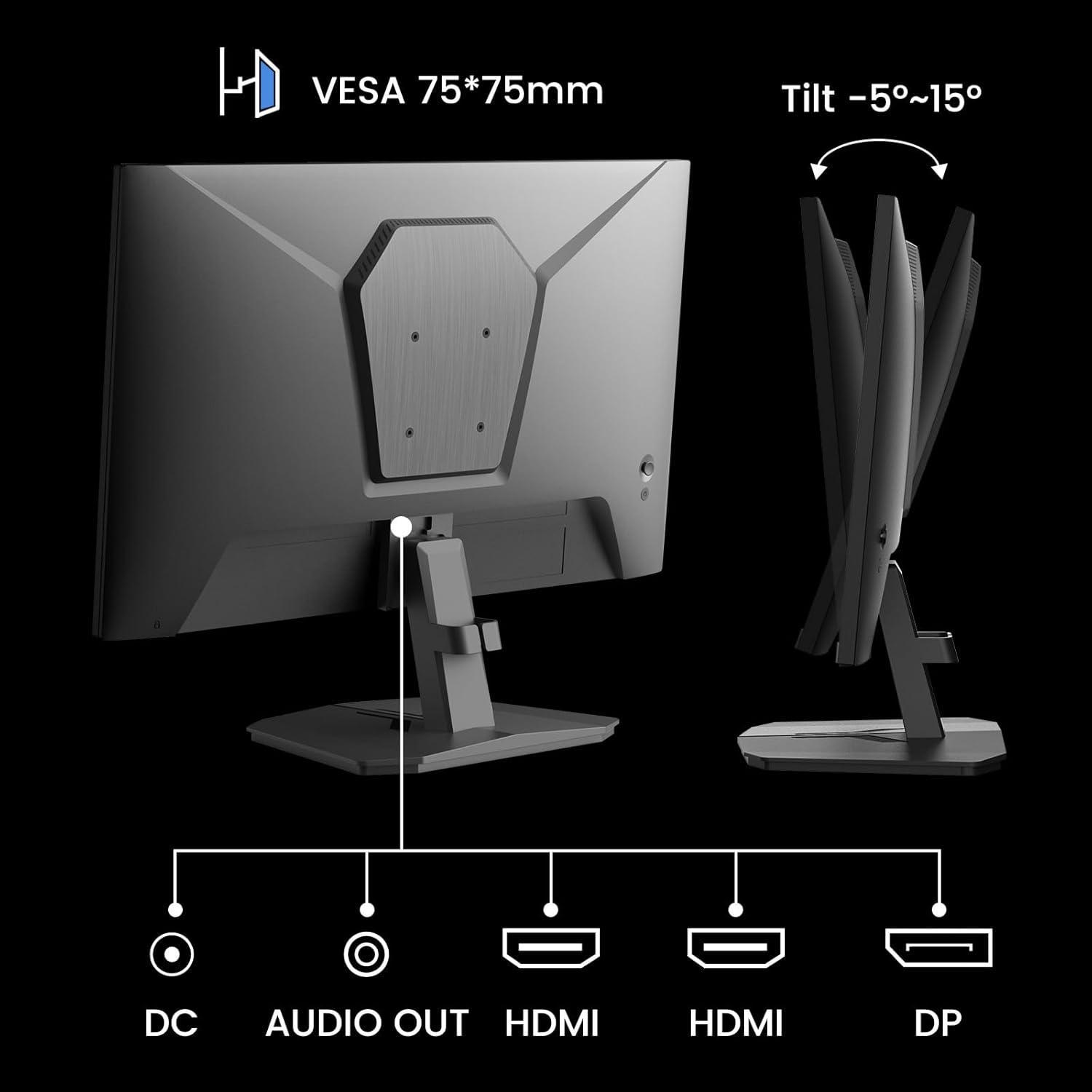
تصویر 5.1: پیچھے view showing VESA mount and input ports.
5.3. آلے سے جڑنا
- Connect one end of the HDMI cable (included) or a DisplayPort (DP) cable to the corresponding port on your computer or gaming console.
- Connect the other end of the cable to the HDMI or DP input port on the SANSUI monitor.
- For audio output, connect external speakers or headphones to the 'AUDIO OUT' port on the monitor.
- Connect the power adapter to the 'DC IN' port on the monitor, then plug the adapter into a power outlet.
5.4. ابتدائی پاور آن
Press the power button located on the underside of the monitor to turn it on. The monitor will automatically detect the active input source. If not, manually select the input source using the OSD menu.
6. آپریٹنگ ہدایات
6.1. OSD (On-Screen Display) Menu Navigation
The OSD menu allows you to adjust various monitor settings. The control buttons are located on the underside of the monitor:
- مینو بٹن: OSD مینو کھولنے کے لیے دبائیں یا ذیلی مینو میں داخل ہوں۔
- اوپر/نیچے تیر: مینو کے اختیارات کے ذریعے تشریف لے جائیں۔
- بٹن درج کریں: Confirm selection or adjust values.
- پاور بٹن: مانیٹر کو آن/آف کریں۔
6.2 تصویر کی ترتیبات
Access the 'Picture' section in the OSD menu to adjust:
- چمک: اسکرین کی مجموعی روشنی کو ایڈجسٹ کرتا ہے۔
- تضاد: روشن ترین اور تاریک ترین علاقوں کے درمیان فرق کو ایڈجسٹ کرتا ہے۔
- اوور ڈرائیو: Enhances pixel response time for reduced motion blur.
- HDR (ہائی ڈائنامک رینج): When enabled, HDR provides a wider range of colors and contrast. Note: Some settings may be locked when HDR is active.
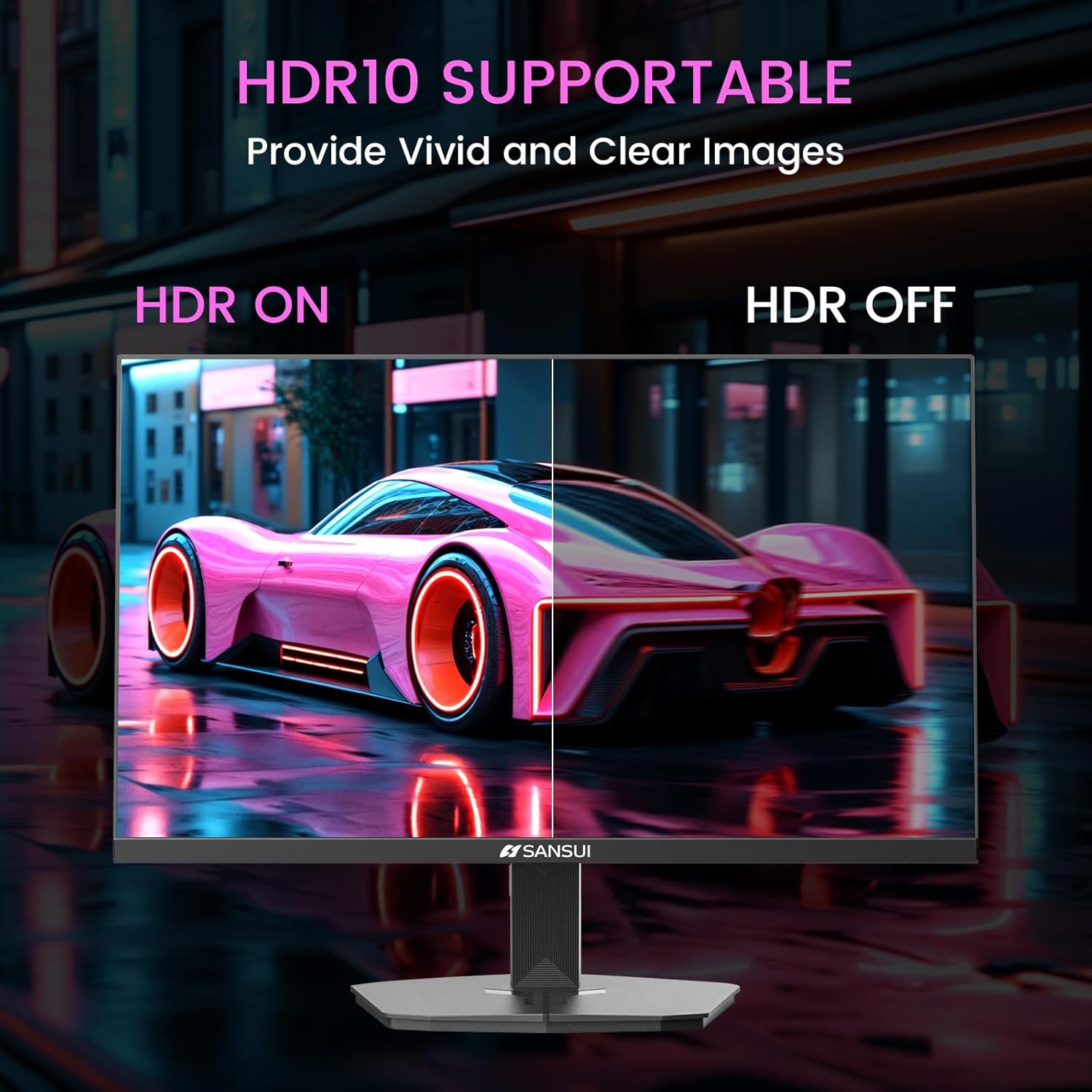
Image 6.1: HDR10 Support for vivid and clear images.
6.3. رنگ کی ترتیبات
In the 'Color Setup' menu, you can adjust color temperature and other color-related parameters when HDR is not active.
6.4. Game Modes and Assistants
The monitor includes exclusive gaming modes and assistants to enhance your gaming experience:
- CrossHair: بہتر مقصد کے لیے آن اسکرین کراس ہیئر فراہم کرتا ہے۔
- ٹائمر: Displays an on-screen timer.
- RTS/FPS/RACING: Pre-calibrated display modes optimized for specific game genres.
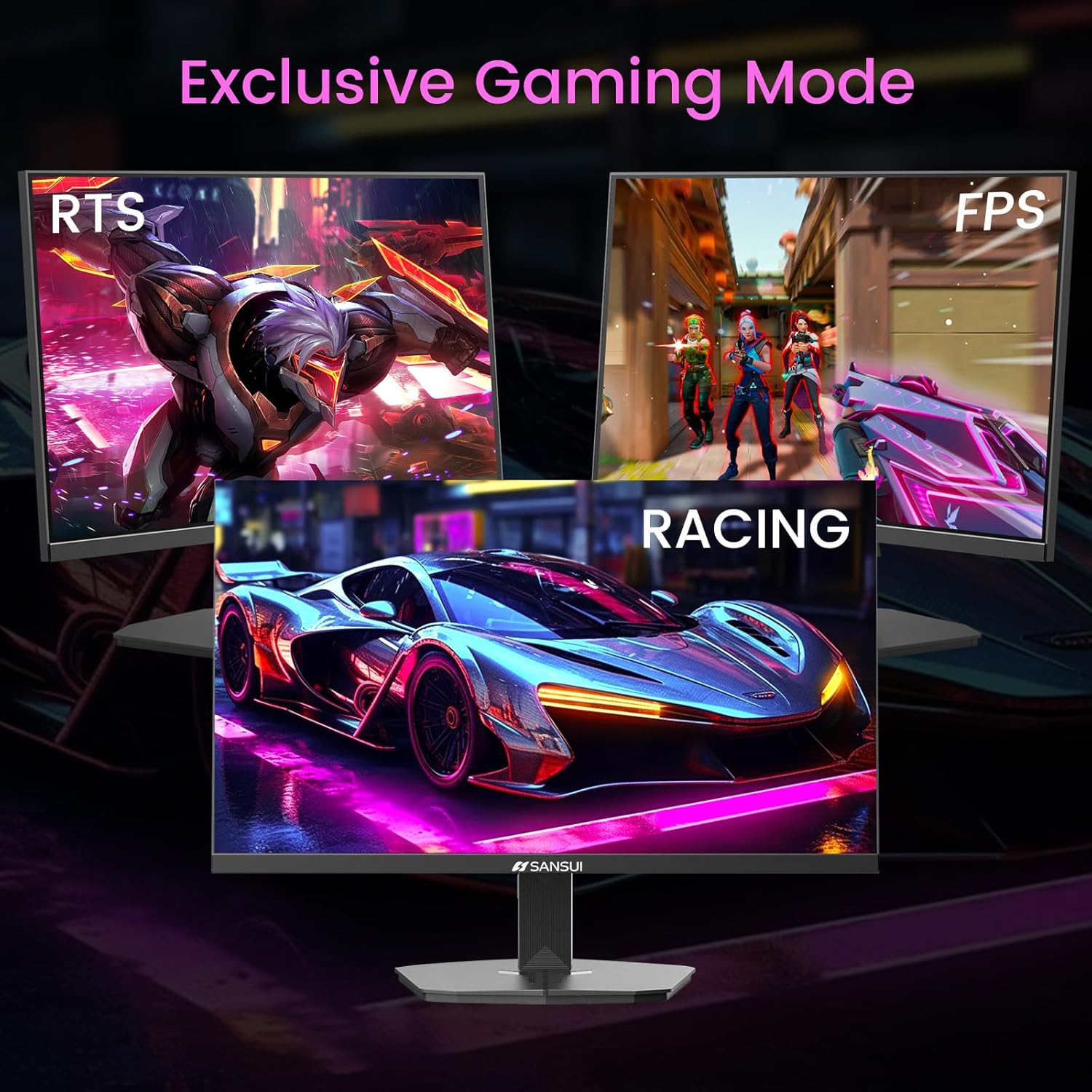
Image 6.2: Exclusive Gaming Modes for optimized visuals.
6.5. FreeSync Technology
FreeSync technology synchronizes the monitor's refresh rate with your graphics card's frame rate, eliminating screen tearing and stuttering for a smoother gaming experience. Enable or disable FreeSync through the OSD menu.
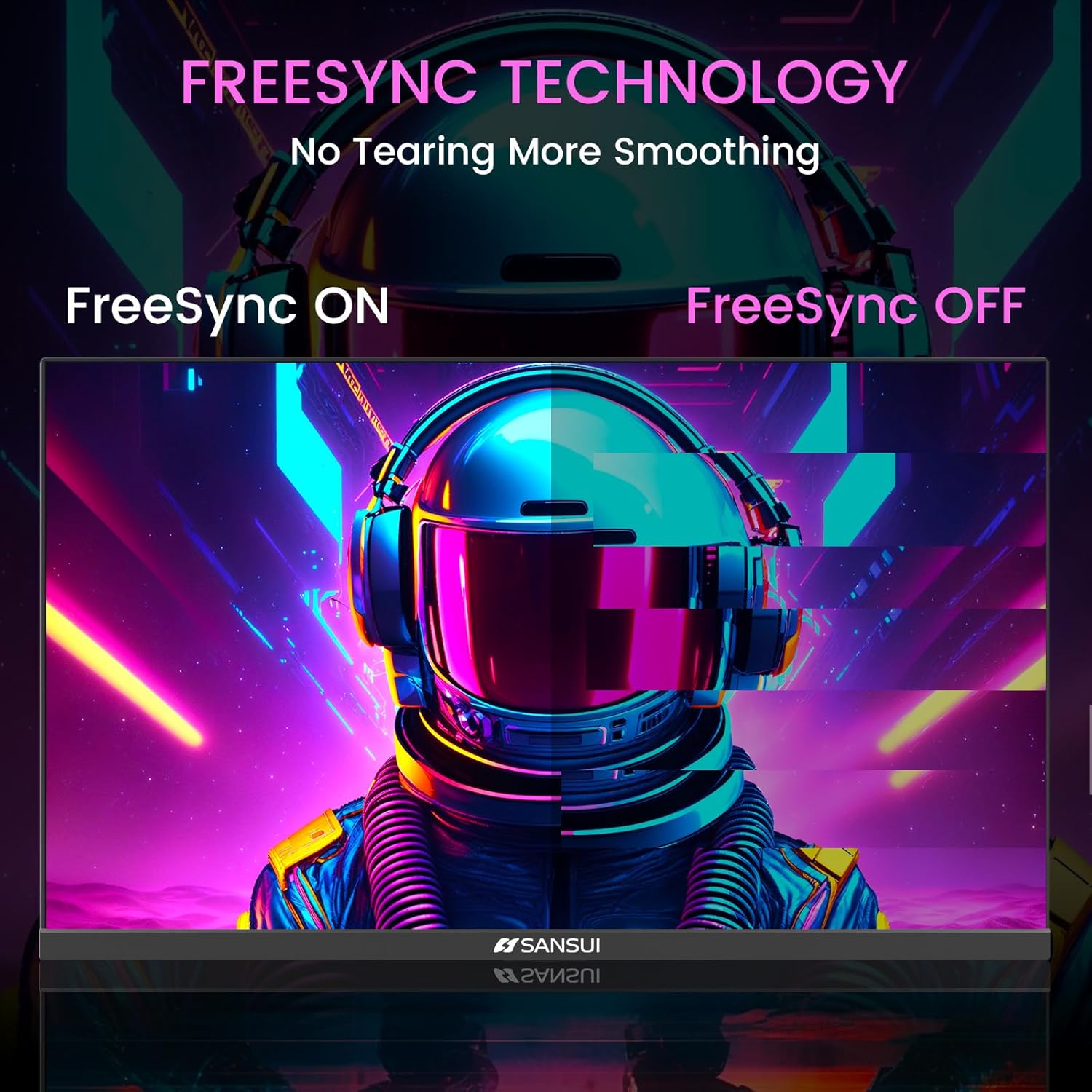
Image 6.3: FreeSync Technology for no tearing and smoother visuals.
6.6. ان پٹ سلیکشن
Use the OSD menu to manually select the input source (HDMI or DP) if the monitor does not automatically detect it.
Video 6.1: SANSUI FreeSync - 24-inch Gaming Monitor, 160Hz, FHD. This video demonstrates the monitor's features and performance, including its 160Hz refresh rate and FreeSync technology.
7 دیکھ بھال
- سکرین کی صفائی: تھوڑا سا نرم، لنٹ سے پاک کپڑا استعمال کریں۔ampپانی یا اسکرین کلینر کے ساتھ ختم کریں۔ کلینر کو براہ راست اسکرین پر نہ چھڑکیں۔
- سی کی صفائیasing: مانیٹر کو صاف کرنے کے لیے نرم، خشک کپڑا استعمال کریں۔asinجی کھرچنے والے کلینر سے پرہیز کریں۔
- ذخیرہ: اگر مانیٹر کو لمبے عرصے کے لیے ذخیرہ کر رہے ہیں، تو تمام کیبلز کو منقطع کر دیں اور اسے ٹھنڈی، خشک جگہ، ترجیحاً اس کی اصل پیکیجنگ میں محفوظ کریں۔
8 خرابیوں کا سراغ لگانا
- کوئی طاقت نہیں: یقینی بنائیں کہ پاور کیبل مانیٹر اور پاور آؤٹ لیٹ دونوں سے محفوظ طریقے سے جڑی ہوئی ہے۔ چیک کریں کہ آیا پاور آؤٹ لیٹ کام کر رہا ہے۔
- سگنل نہیں ہیں: Verify that the video cable (HDMI/DP) is correctly connected to both the monitor and the source device. Ensure the correct input source is selected in the OSD menu.
- چمکتی ہوئی سکرین: Check the video cable connection. Ensure the refresh rate is set correctly in your device's display settings.
- تصویری تحریف: Reset the monitor to factory settings via the OSD menu. Check your device's display resolution settings.
- غیر جوابی بٹن: Disconnect the power for a few minutes, then reconnect. If the issue persists, contact customer support.
9. وضاحتیں
| فیچر | تفصیلات |
|---|---|
| مصنوعات کے طول و عرض | 21.2 x 7.95 x 16.28 انچ |
| شے کا وزن | 3.54 پاؤنڈ |
| کارخانہ دار | EXPRESS LUCK INDUSTRIAL(ZHONGSHAN)LIMITED |
| آئٹم ماڈل نمبر | ES-G24F4M |
| اسٹینڈنگ اسکرین ڈسپلے سائز | 24 انچ |
| پہلو کا تناسب | 16:9 |
| قرارداد | 1920 x 1080 پکسلز (FHD 1080p) |
| تصویر کی چمک | 300 cd/m² |
| اسکرین کی سطح کی تفصیل | میٹ |
10. وارنٹی اور سپورٹ
SANSUI offers a money-back and free replacement warranty from the order date within 30 days. Additionally, lifetime technical support is provided for the SANSUI 24 inch 160Hz 1ms gaming monitor. For any questions or support needs, please contact SANSUI's after-sales support team.


