1. تعارف
This manual provides detailed instructions for the setup, operation, and maintenance of your EWEADN V80 Wired TKL RGB Gaming Keyboard. Please read this manual thoroughly before using the product to ensure optimal performance and longevity.

Figure 1: EWEADN V80 Wired TKL RGB Gaming Keyboard, showcasing its compact design and gradient pink keycaps.
2. پروڈکٹ ختمview
2.1 کلیدی خصوصیات
- وائرڈ کنیکٹوٹی: USB-C wired design for stable, interference-free connection with zero input lag.
- 80% TKL لے آؤٹ: Compact Tenkeyless design saves desk space while retaining essential keys.
- آرجیبی بیک لائٹنگ: 12 dynamic lighting modes with adjustable brightness and speed.
- خاموش جھلی کے سوئچز: Provides tactile feedback with minimal noise, suitable for quiet environments.
- پی بی ٹی کی کیپس: Double-shot injection-molded PBT keycaps with side-printed legends for durability and clear backlighting.
- 26-کلیدی اینٹی گھوسٹنگ: Ensures accurate registration of multiple simultaneous keypresses.
- ایرگونومک ڈیزائن: Integrated two-stage kickstand for adjustable typing angles to reduce wrist strain.
- ملٹی سسٹم سپورٹ: Compatible with Windows and Mac operating systems.
2.2 باکس میں کیا ہے۔
- EWEADN V80 Wired TKL RGB Gaming Keyboard
- USB-C سے USB-A کیبل
- صارف دستی
3. سیٹ اپ
3.1 کی بورڈ کو جوڑنا
- Locate the USB-C port on the back of the keyboard.
- فراہم کردہ کیبل کے USB-C سرے کو کی بورڈ سے مربوط کریں۔
- کیبل کے USB-A سرے کو اپنے کمپیوٹر (PC یا Mac) پر دستیاب USB پورٹ سے جوڑیں۔
- کی بورڈ پلگ اینڈ پلے ہے اور آپ کے آپریٹنگ سسٹم کے ذریعہ خود بخود پہچانا جانا چاہئے۔

Figure 2: The USB-C port for connecting the keyboard to your computer.
3.2 سسٹم کی مطابقت
The EWEADN V80 keyboard is compatible with Windows and Mac operating systems. No additional drivers are typically required for basic functionality.
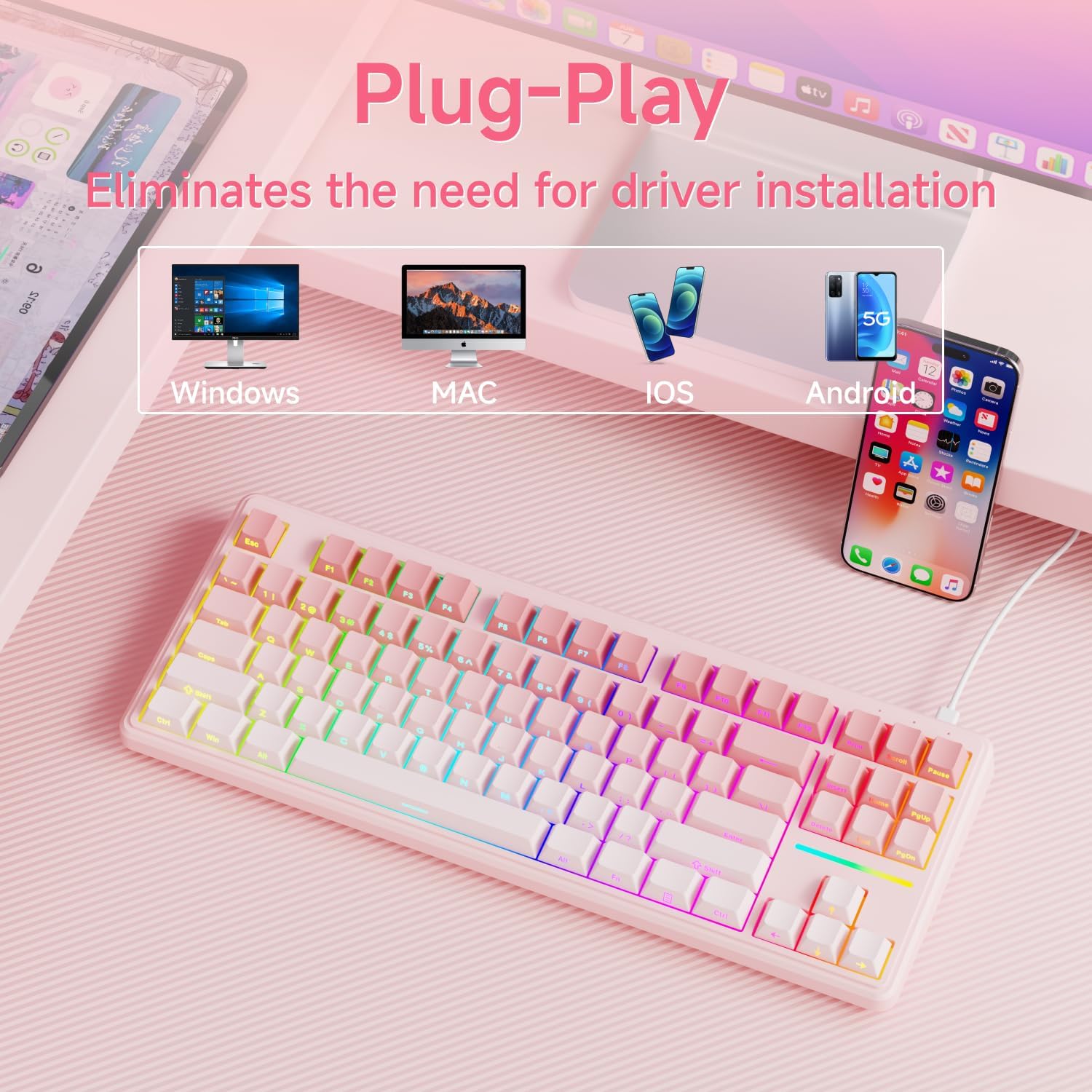
Figure 3: The keyboard supports multiple operating systems and devices for versatile use.
4. آپریشن
4.1 RGB بیک لائٹنگ کنٹرول
The keyboard features 12 dynamic RGB lighting modes. All lighting functions are controlled using the FN دوسری چابیاں کے ساتھ مل کر کلید۔
- بیک لائٹ کو آن/آف کریں: دبائیں FN + بیک اسپیس.
- لائٹنگ موڈ تبدیل کریں: دبائیں FN + داخل کریں to cycle through 12 different lighting effects.
- چمک کو ایڈجسٹ کریں: دبائیں FN + PU (Page Up) to increase brightness, FN + PD (Page Down) to decrease brightness.
- رفتار کو ایڈجسٹ کریں: دبائیں FN + '-' to decrease lighting speed, FN + '=' to increase lighting speed.
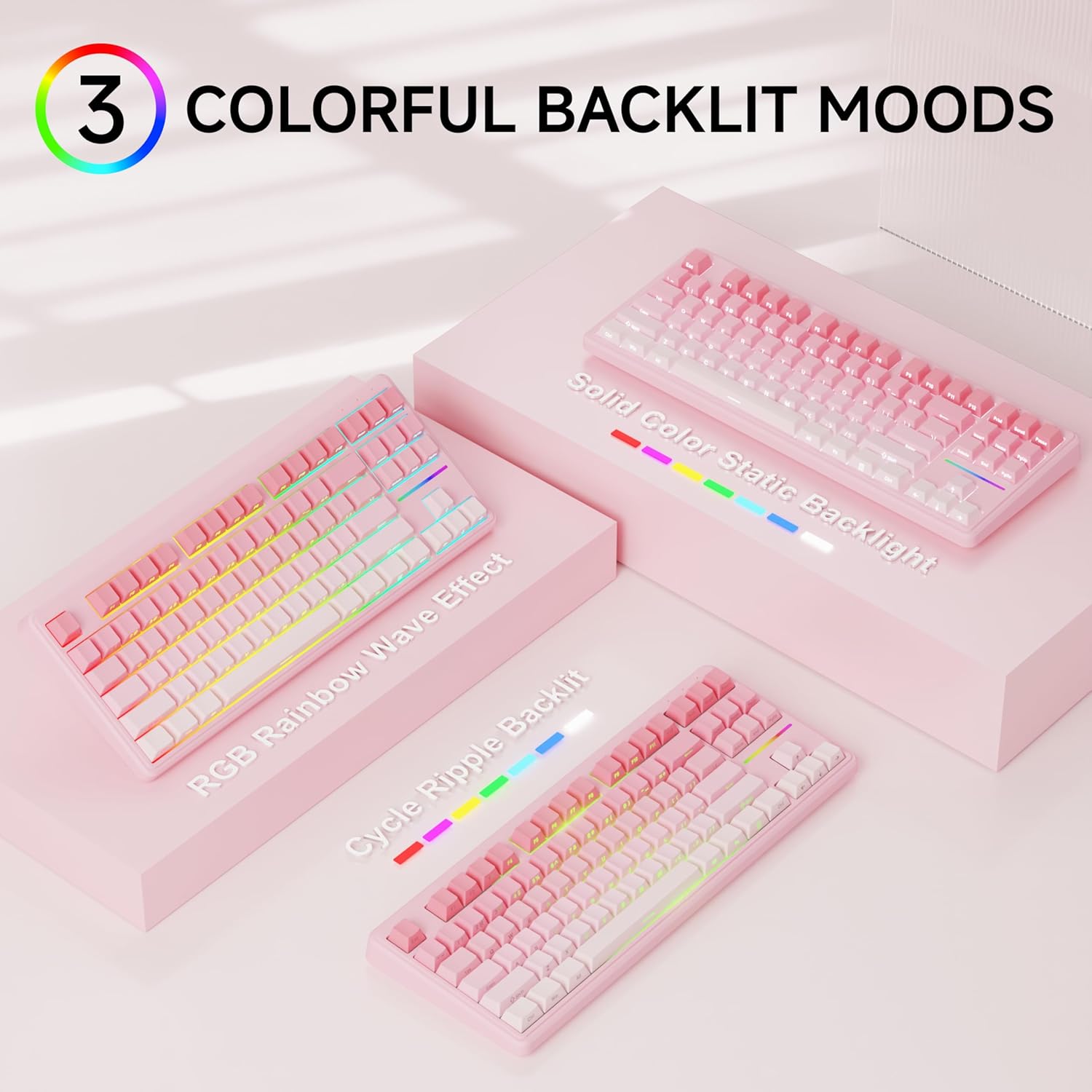
شکل 4: سابقamples of the diverse RGB backlighting modes available on the keyboard.
Video 1: A short demonstration of the EWEADN V80 Wired RGB Gaming Keyboard's lighting effects and compact design.
4.2 Key Functions (FN Combinations)
| امتزاج | فنکشن |
|---|---|
| FN + F1 | Screen Brightness - |
| FN + F2 | اسکرین کی چمک + |
| FN + F3 | کنورٹ موڈ |
| FN + F4 | مائیکروفون خاموش |
| FN + F5 | ملٹی میڈیا |
| FN + F6 | پچھلا گانا |
| FN + F7 | چلائیں/روکیں۔ |
| FN + F8 | اگلا گانا |
| FN + F9 | حجم - |
| FN + F10 | حجم + |
| FN + F11 | خاموش |
| FN + F12 | کیلکولیٹر |
4.3 اینٹی گھوسٹنگ
The V80 keyboard supports 26-key anti-ghosting, ensuring that every keypress is registered accurately, even during rapid and simultaneous inputs common in gaming. This prevents missed commands and enhances your gaming experience.

Figure 5: Illustration of the 26-key anti-ghosting feature, ensuring all simultaneous keypresses are recognized.
5 دیکھ بھال
5.1 صفائی
- صاف کرنے سے پہلے کی بورڈ کو اپنے کمپیوٹر سے منقطع کریں۔
- تھوڑا سا نرم، لنٹ سے پاک کپڑا استعمال کریں۔ampکی کیپس اور کی بورڈ کی سطح کو صاف کرنے کے لیے پانی یا ہلکے صفائی کے محلول سے بند کریں۔
- سخت کیمیکلز، کھرچنے والے کلینر، یا براہ راست کی بورڈ پر مائع چھڑکنے سے گریز کریں۔
- کی کیپس کے درمیان سے دھول اور ملبہ ہٹانے کے لیے کمپریسڈ ہوا کا استعمال کریں۔
5.2 اسٹوریج
Store the keyboard in a cool, dry place away from direct sunlight and extreme temperatures. If storing for an extended period, consider placing it back in its original packaging to protect it from dust and physical damage.
6 خرابیوں کا سراغ لگانا
6.1 عام مسائل
- کی بورڈ جواب نہیں دے رہا ہے:
- یقینی بنائیں کہ USB-C کیبل کی بورڈ اور کمپیوٹر دونوں سے محفوظ طریقے سے جڑی ہوئی ہے۔
- اپنے کمپیوٹر پر کی بورڈ کو کسی دوسرے USB پورٹ سے جوڑنے کی کوشش کریں۔
- اپنے کمپیوٹر کو دوبارہ شروع کریں۔
- بیک لائٹ کام نہیں کر رہی:
- Ensure the backlight is not turned off (FN + BackSpace).
- Adjust the brightness using FN + PU/PD.
- کلیدیں رجسٹر نہیں ہو رہی ہیں:
- Clean the affected key to ensure no debris is obstructing the switch.
- سسٹم کے لیے مخصوص مسئلے کو مسترد کرنے کے لیے دوسرے کمپیوٹر پر کی بورڈ کی جانچ کریں۔
6.2 سپورٹ سے رابطہ کریں۔
If you encounter issues not resolved by the troubleshooting steps, please contact EWEADN customer support at ewadnkeyboard@outlook.com. Provide your product model (V80) and a detailed description of the problem.

Figure 6: EWEADN offers comprehensive after-sales support for customer inquiries and issues.
7. وضاحتیں
| فیچر | تفصیل |
|---|---|
| ماڈل نمبر | V80 |
| کنیکٹوٹی | وائرڈ (USB-C) |
| لے آؤٹ | 80% TKL (Tenkeyless) |
| سوئچ کی قسم | جھلی |
| کیکیپس | PBT Double-shot, Side-printed legends |
| بیک لائٹنگ | RGB (12 modes, adjustable brightness/speed) |
| اینٹی گھوسٹنگ | 26-کلیدی رول اوور |
| ایرگونومکس | دو-ایسtage adjustable kickstand |
| مصنوعات کے طول و عرض | 14.37 x 5.47 x 1.53 انچ |
| شے کا وزن | 1.71 پاؤنڈ |
| ہم آہنگ آلات | لیپ ٹاپ، پی سی، اسمارٹ فون، ٹیبلٹ |
8. وارنٹی اور سپورٹ
The EWEADN V80 Wired TKL RGB Gaming Keyboard comes with a 48-month (4-year) manufacturer warranty. For warranty claims or further assistance, please contact our dedicated customer support team at ewadnkeyboard@outlook.com.


