1. تعارف
This manual provides essential information for the safe and efficient use of your realme 14 Pro Lite Smartphone. Please read it carefully before using your device.
پیکیج کا مواد:
پیک کھولنے پر، یقینی بنائیں کہ تمام اشیاء موجود ہیں:
- realme 14 Pro Lite Smartphone
- USB کیبل
- 45W اڈاپٹر
- حفاظتی کیس
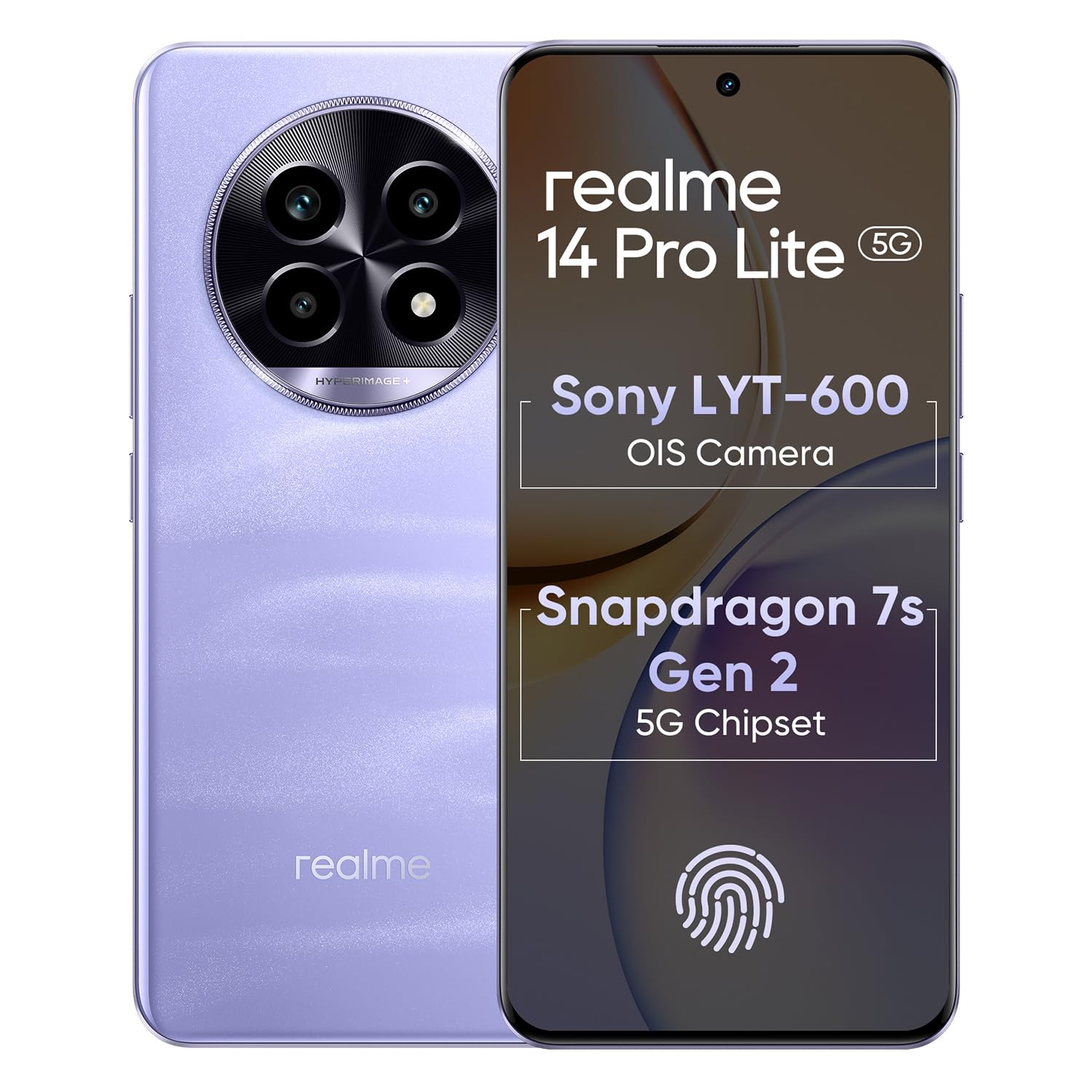
Image 1.1: The realme 14 Pro Lite Smartphone, showcasinجی اس کا ڈیزائن۔
2. سیٹ اپ
2.1 سم کارڈ اور مائیکرو ایس ڈی کارڈ کی تنصیب
- اپنے آلے کے سائیڈ پر سم کارڈ ٹرے کو تلاش کریں۔
- سم ایجیکٹر ٹول کو ٹرے کے آگے چھوٹے سوراخ میں داخل کریں اور ٹرے کے باہر آنے تک آہستہ سے دھکیلیں۔
- اپنے نینو سم کارڈز (دو تک) اور/یا مائیکرو ایس ڈی کارڈ کو ٹرے پر مقرر کردہ سلاٹس میں رکھیں۔ یقینی بنائیں کہ سونے کے رابطے نیچے کی طرف ہوں۔
- فون میں ٹرے کو احتیاط سے دوبارہ داخل کریں جب تک کہ یہ جگہ پر کلک نہ کر دے۔
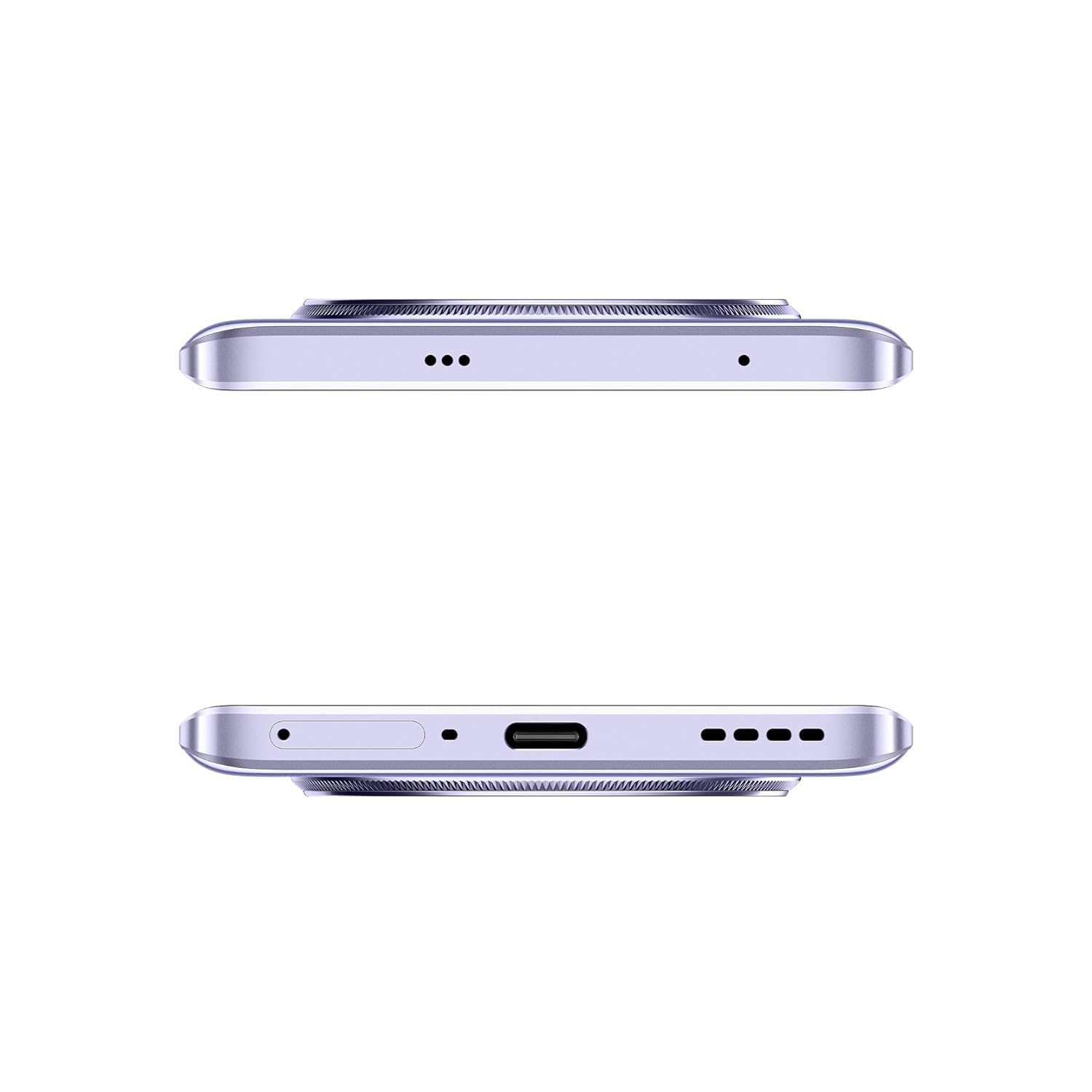
تصویر 2.1: سائیڈ view of the realme 14 Pro Lite, indicating the SIM card tray position.
2.2. ڈیوائس کو چارج کرنا
Connect the 45W adapter to a power outlet and the USB cable to the phone's charging port. The device supports 45W SuperVOOC fast charging. It is recommended to fully charge the device before first use.
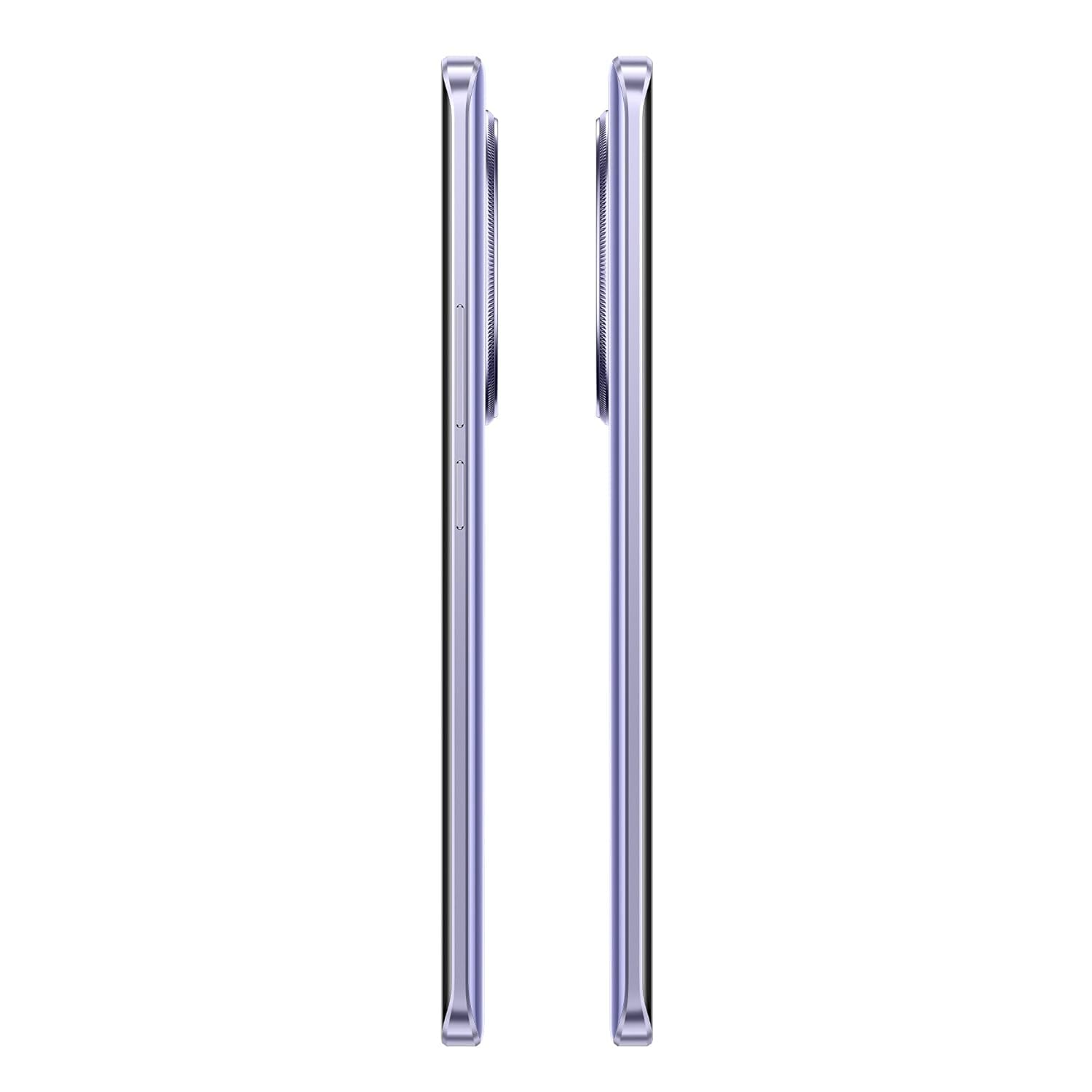
تصویر 2.2: نیچے view of the realme 14 Pro Lite, highlighting the USB-C charging port.
2.3. پاور آن اور ابتدائی سیٹ اپ
Press and hold the Power button located on the side of the device until the realme logo appears. Follow the on-screen instructions to select your language, connect to Wi-Fi, and set up your Google account.
3. آپریٹنگ ہدایات
3.1 ڈسپلے اور نیویگیشن
Your realme 14 Pro Lite features a 6.7-inch OLED Flow Display with a 120Hz refresh rate for smooth visuals and a 2000Hz instant touch sampling rate for responsive interaction. Navigate the Android 14 operating system with realme UI 5.0 using gestures or on-screen buttons.
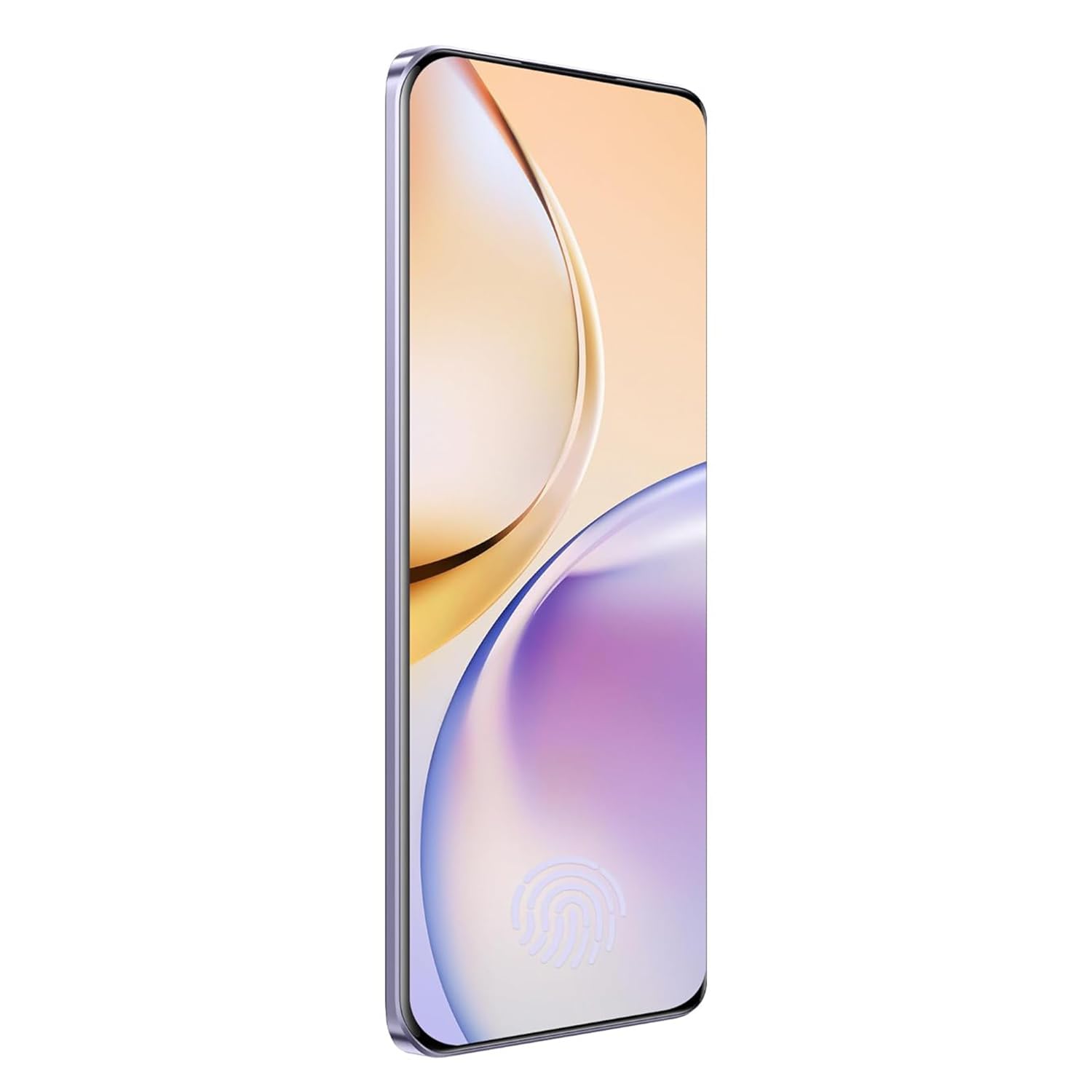
تصویر 3.1: سامنے view of the realme 14 Pro Lite, showcasing اس کا ڈسپلے۔
3.2. کارکردگی اور رابطہ
The device is powered by a Snapdragon 7s Gen 2 4nm 5G Chipset, ensuring efficient performance for various tasks. Connectivity options include Bluetooth, USB, and Wi-Fi. For 5G network access, ensure you have a compatible SIM card and service plan.
3.3. کیمرے کا استعمال
Utilize the integrated camera system for photography and videography. Open the Camera application from your home screen or app drawer. Select modes such as Photo, Video, Portrait, or Night mode as desired. Tap the shutter button to capture images or start/stop video recording.

تصویر 3.2: پیچھے view of the realme 14 Pro Lite, highlighting the camera module.
4 دیکھ بھال
4.1. بیٹری کی دیکھ بھال
- آلے کو انتہائی درجہ حرارت کے سامنے لانے سے گریز کریں۔
- Use only the provided 45W adapter and USB cable for charging.
- 100% تک پہنچنے کے بعد ڈیوائس کو طویل عرصے تک چارج ہونے سے نہ چھوڑیں۔
4.2. سافٹ ویئر اپڈیٹس
بہترین کارکردگی، سیکورٹی، اور نئی خصوصیات تک رسائی کو یقینی بنانے کے لیے باقاعدگی سے سافٹ ویئر اپ ڈیٹس کو چیک کریں اور انسٹال کریں۔ پر نیویگیٹ کریں۔ ترتیبات> ڈیوائس کے بارے میں> realme UI ورژن اپ ڈیٹس کو چیک کرنے کے لیے۔
4.3۔ اپنے آلے کو صاف کرنا
Use a soft, lint-free cloth to clean the screen and body of the phone. Avoid using harsh chemicals or abrasive materials. Do not immerse the device in water.
5 خرابیوں کا سراغ لگانا
5.1. ڈیوائس آن نہیں ہو رہی ہے۔
- یقینی بنائیں کہ بیٹری چارج ہے۔ چارجر کو جوڑیں اور دوبارہ پاور آن کرنے کی کوشش کرنے سے پہلے چند منٹ انتظار کریں۔
- زبردستی دوبارہ شروع کرنے کے لیے پاور بٹن کو کم از کم 10-15 سیکنڈ تک دبائے رکھیں۔
5.2 کنیکٹیویٹی کے مسائل (Wi-Fi/Bluetooth)
- Toggle Wi-Fi or Bluetooth off and on again.
- اپنا آلہ دوبارہ شروع کریں۔
- Forget the network/device and attempt to reconnect.
5.3 ایپس کریش ہو رہی ہیں یا منجمد ہو رہی ہیں۔
- Clear the cache and data for the problematic app via ترتیبات > ایپس > [ایپ کا نام] > اسٹوریج.
- ایپ کو ان انسٹال اور دوبارہ انسٹال کریں۔
- یقینی بنائیں کہ آپ کے آلے کا سافٹ ویئر اپ ٹو ڈیٹ ہے۔
6. وضاحتیں
| فیچر | تفصیل |
|---|---|
| ماڈل کا نام | realme 14 Pro Lite |
| آپریٹنگ سسٹم | Android 14 (with realme UI 5.0) |
| پروسیسر | Snapdragon 7s Gen 2 4nm 5G Chipset |
| ڈسپلے | 6.7-inch OLED Flow Display, 120Hz Refresh Rate, 2412x1080 Resolution |
| رام | 8 جی بی |
| اندرونی اسٹوریج | 128GB (expandable up to 1TB with microSD) |
| بیٹری کی صلاحیت | 5200mAh |
| چارج ہو رہا ہے۔ | 45W SuperVOOC Charge |
| کنیکٹوٹی | 5G، بلوٹوتھ، USB، Wi-Fi، GPS |
| طول و عرض (LxWxH) | 16.13 x 7.39 x 0.82 سینٹی میٹر |
| وزن | 183 گرام |
7. وارنٹی اور سپورٹ
7.1. وارنٹی کی معلومات
Your realme 14 Pro Lite Smartphone comes with a standard manufacturer's warranty. Please refer to the warranty card included in your package or visit the official realme webوارنٹی کوریج اور مدت سے متعلق تفصیلی شرائط و ضوابط کے لیے سائٹ۔
7.2. کسٹمر سپورٹ
For technical assistance, service, or further inquiries, please contact realme customer support. You can find contact details, FAQs, and support resources on the official realme webسائٹ:
8 آفیشل پروڈکٹ ویڈیوز
No official product videos from the seller were found in the provided data. Please visit the official realme website or authorized channels for any available video guides or demonstrations.


