1. اہم حفاظتی ہدایات
Please read all instructions carefully before using the pooboo Under Desk Elliptical Machine. Retain this manual for future reference.
- مطلوبہ استعمال: This machine is designed for seated leg exercise only. Do not stand on the pedals.
- جگہ کا تعین: Use the machine on a flat, stable surface. Ensure adequate space around the unit.
- طاقت کا منبع: Use only the provided power cord. Ensure the power outlet matches the machine's voltage کی ضروریات.
- بچے اور پالتو جانور: آپریشن کے دوران بچوں اور پالتو جانوروں کو مشین سے دور رکھیں۔
- طبی حالات: کسی بھی ورزش کا پروگرام شروع کرنے سے پہلے ڈاکٹر سے مشورہ کریں، خاص طور پر اگر آپ کے پاس پہلے سے موجود طبی حالات ہوں۔
- دیکھ بھال: Do not attempt to service the machine beyond the maintenance instructions provided in this manual. Contact customer support for repairs.
2. مصنوعات کے اجزاء
The pooboo Under Desk Elliptical Machine comes fully assembled. Please check the package contents:
- 1 × Under Desk Elliptical Machine
- 1 × ریموٹ کنٹرول
- 1 ، پاور ہڈی
- 1 × یوزر مینوئل (یہ دستاویز)
- 1 × Non-Slip Mat
- 1 × Set of Pedal Straps
- 1 × Set of Resistance Cables
3. سیٹ اپ
The pooboo Under Desk Elliptical Machine is designed for immediate use with no assembly required.
- پیک کھولنا: Carefully remove the elliptical machine and all accessories from the packaging.
- جگہ کا تعین: Place the elliptical machine on a flat, stable surface under your desk or in your desired exercise area. Ensure there is enough clearance for your legs to move freely.
- غیر پرچی چٹائی: For added stability and floor protection, place the provided non-slip mat underneath the elliptical machine.
- پاور کنکشن: پاور کورڈ کو مشین کے پاور ان پٹ سے جوڑیں اور پھر اسے معیاری الیکٹریکل آؤٹ لیٹ میں لگائیں۔
- ریموٹ کنٹرول: Ensure the remote control has batteries installed (if not pre-installed) and is ready for use. The machine features a built-in storage slot for the remote.
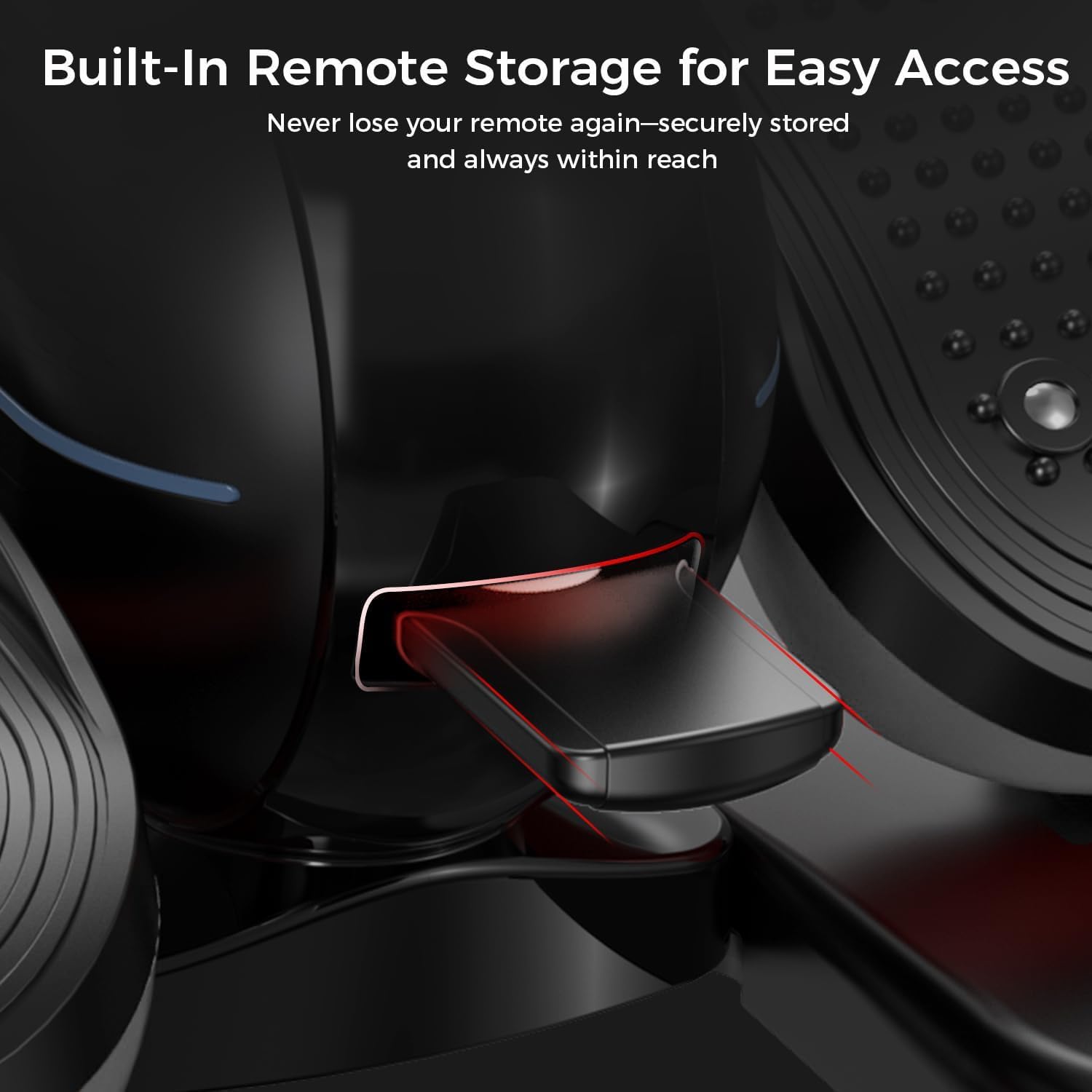
تصویر 3.1: Built-in remote storage for convenient access.
4. آپریٹنگ ہدایات
4.1 پاور آن/آف۔
- پاور آن کرنے کے لیے، دبائیں۔ پاور button on the remote control. The digital display will illuminate.
- پاور آف کرنے کے لیے، دبائیں۔ پاور دوبارہ بٹن.
4.2 Digital Display and Handle
The machine features a 2-in-1 handle and digital monitor. The monitor can be adjusted for optimal viewING زاویہ
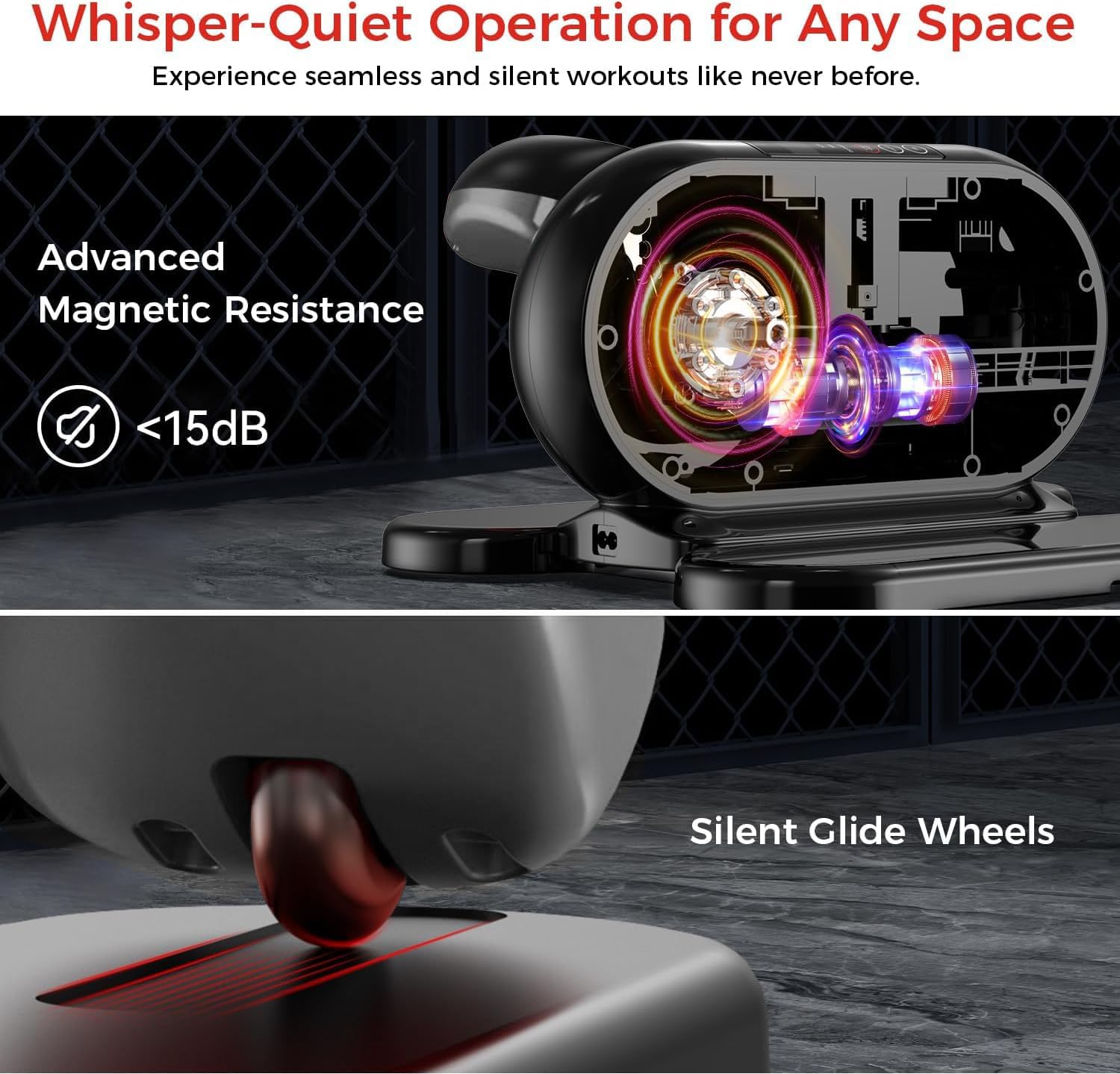
تصویر 4.1: Adjustable monitor and integrated handle for portability.
The digital display shows various workout metrics:
- اسکین: خود بخود تمام میٹرکس کے ذریعے چکر لگاتا ہے۔
- رفتار: Current speed of pedal rotation.
- وقت: موجودہ ورزش سیشن کا دورانیہ۔
- فاصلے: تخمینی فاصلے کا احاطہ کیا گیا ہے۔
- کیلوری: تخمینی کیلوریز جل گئیں۔
- کاؤنٹر: گردشوں کی کل تعداد۔

تصویر 4.2: Digital display metrics for tracking progress.
4.3 ریموٹ کنٹرول کا استعمال
The remote control allows you to manage all functions without bending down.
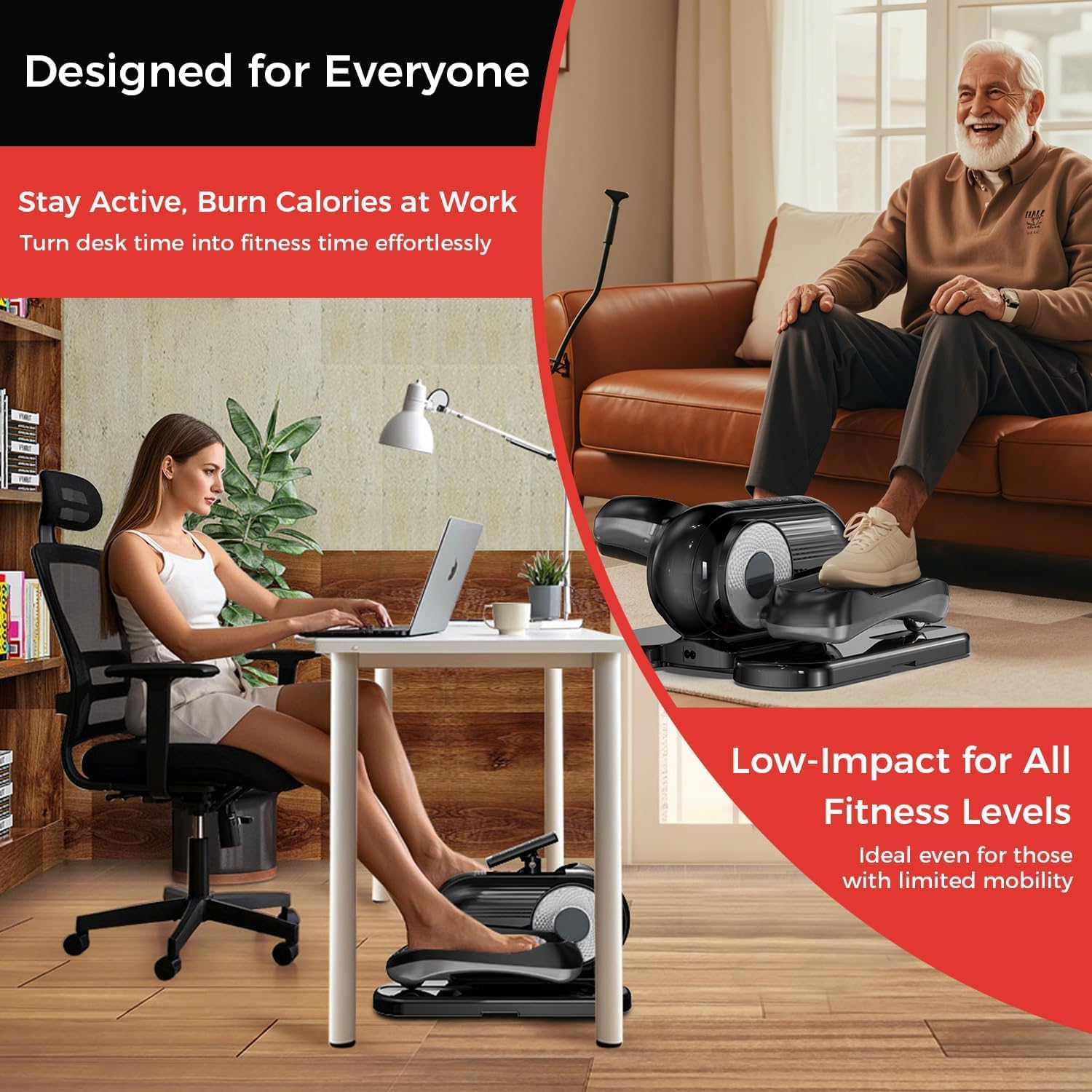
تصویر 4.3: آسان آپریشن کے لیے ریموٹ کنٹرول۔
- اسٹارٹ / اسٹاپ: Press to begin or pause the exercise.
- ہدایات: Switches between Auto Mode (P1-P12) and Manual Mode (1-12 speed levels).
- سمت: Changes the pedal rotation direction (forward or reverse).
- SPEED (+/-): In Manual Mode, increases or decreases the speed level.
- فنکشن: Cycles through display metrics (Time, Speed, Distance, Calorie, Counter).
4.4 Exercise Modes
- Auto Mode (P1-P12):
Select this mode for pre-programmed workout routines. Each program (P1 to P12) offers varying speeds and durations. Use the موڈ button to cycle through programs.
- دستی موڈ (1-12 رفتار کی سطح):
In Manual Mode, you can manually adjust the speed from level 1 (slowest) to 12 (fastest) using the رفتار (+/-) buttons on the remote. You can also set the desired workout time.
4.5 سمت بدلنا
دبائیں سمت button on the remote control to switch between forward and reverse pedal motion. This allows for targeting different muscle groups.
5 دیکھ بھال
باقاعدگی سے دیکھ بھال آپ کی بیضوی مشین کی لمبی عمر اور بہترین کارکردگی کو یقینی بناتی ہے۔
- صفائی: مشین کو نرم سے صاف کریں، ڈیamp cloth after each use to remove dust and sweat. Do not use abrasive cleaners or solvents.
- ذخیرہ: مشین کو ٹھنڈی، خشک جگہ پر براہ راست سورج کی روشنی اور انتہائی درجہ حرارت سے دور رکھیں۔
- پاور کی ہڈی: Inspect the power cord regularly for any signs of damage. If damaged, discontinue use and contact customer support.
- مشین کو منتقل کرنا: Utilize the integrated handle for easy portability when moving the machine.
6 خرابیوں کا سراغ لگانا
اگر آپ کو کوئی مسئلہ درپیش ہے تو، براہ کرم مندرجہ ذیل عام ٹربل شوٹنگ کے اقدامات سے رجوع کریں:
| مسئلہ | ممکنہ وجہ | حل |
|---|---|---|
| مشین آن نہیں ہوتی۔ | بجلی کی تار ٹھیک طرح سے منسلک نہیں ہے۔ پاور آؤٹ لیٹ کام نہیں کر رہا ہے۔ | Ensure the power cord is securely plugged into both the machine and a working electrical outlet. Try a different outlet. |
| ریموٹ کنٹرول غیر ذمہ دار ہے۔ | بیٹریاں کم ہیں یا غلط طریقے سے ڈالی گئی ہیں۔ Obstruction between remote and machine. | Replace remote control batteries. Ensure batteries are inserted with correct polarity. Remove any objects blocking the remote's signal path to the machine. |
| پیڈل آسانی سے نہیں چل رہے ہیں۔ | Debris caught in mechanism. Machine not on a level surface. | Inspect for any foreign objects and remove them. Ensure the machine is placed on a flat, stable surface. |
| Display is not showing correct metrics. | سینسر کا مسئلہ۔ Machine needs reset. | Power off the machine, unplug it for 30 seconds, then plug it back in and power on. If the issue persists, contact customer support. |
If the problem persists after attempting these solutions, please contact pooboo customer support.
7. وضاحتیں
| فیچر | تفصیل |
|---|---|
| ماڈل کا نام | E38101 |
| برانڈ | پبو |
| رنگ | سیاہ |
| پروڈکٹ کے طول و عرض (LxWxH) | 18"D x 15"W x 11"H |
| مواد | مرکب سٹیل |
| مزاحمت کا طریقہ کار | مقناطیسی |
| مزاحمتی سطحوں کی تعداد | 12 |
8. وارنٹی کی معلومات
The pooboo Under Desk Elliptical Machine Model E38101 comes with a 1 سال کی مینوفیکچرر وارنٹی خریداری کی تاریخ سے.
This warranty covers defects in materials and workmanship under normal use. It does not cover damage resulting from misuse, accident, unauthorized modification, or failure to follow the instructions in this manual.
وارنٹی کے دعووں کے لیے براہ کرم اپنی خریداری کا ثبوت اپنے پاس رکھیں۔
9. کسٹمر سپورٹ
For any questions, technical assistance, or warranty claims, please contact pooboo customer support.
Contact details (e.g., website, email, phone number) are typically provided on the product packaging or the official brand webسائٹ
Please have your model number (E38101) and proof of purchase ready when contacting support.


