1. تعارف
Thank you for choosing the GOBOULT Mustang Thunder Bluetooth Headphones. This manual will guide you through the features, setup, and operation of your new headphones, ensuring an optimal audio experience. Please read these instructions carefully before use.

Image 1.1: GOBOULT Mustang Thunder Bluetooth Headphones in Silver Black.
2. پیکیج کے مشمولات
یقینی بنائیں کہ تمام اشیاء آپ کے پیکیج میں موجود ہیں:
- GOBOULT Mustang Thunder Bluetooth Headphones
- USB ٹائپ سی چارجنگ کیبل
- 3.5 ملی میٹر آڈیو کیبل (وائرڈ کنکشن کے لیے)
- صارف دستی
3. پروڈکٹ ختمview
Familiarize yourself with the main components and controls of your headphones.

Image 3.1: Illustration of tactile controls and AI Voice Assistant feature on the headphone.
اہم خصوصیات:
- 40mm Bass Drivers: For powerful and immersive sound.
- Zen ENC Mic: واضح کالوں کے لیے ماحولیاتی شور کی منسوخی۔
- بلوٹوتھ v5.4: Stable and low-latency wireless connectivity.
- ٹائپ سی فاسٹ چارجنگ: Efficient power replenishment.
- 70 گھنٹے کھیل کا وقت: طویل استعمال کے لیے بیٹری کی زندگی میں توسیع۔
- 4 EQ Sound Modes: Customizable audio profiles (Rock, Pop, Vocal, Bass).
- 3 Brightness LED Modes: Adjustable LED lighting on the earcups.
4. سیٹ اپ اور ابتدائی استعمال
4.1 ہیڈ فون چارج کرنا
پہلے استعمال سے پہلے، اپنے ہیڈ فون کو مکمل چارج کریں۔
- USB Type-C چارجنگ کیبل کو ہیڈ فون پر چارجنگ پورٹ سے جوڑیں۔
- کیبل کے دوسرے سرے کو USB پاور اڈاپٹر (شامل نہیں) یا کمپیوٹر کے USB پورٹ سے جوڑیں۔
- The LED indicator will show charging status. It will turn off or change color once fully charged.
A full charge provides up to 70 hours of playtime without LED lights, or 50 hours with LED lights active.
4.2 پاور آن/آف۔
- پاور آن کرنے کے لیے: پاور بٹن کو تقریباً 3 سیکنڈ تک دبائے رکھیں جب تک کہ LED انڈیکیٹر روشن نہ ہو۔
- پاور آف کرنا: پاور بٹن کو تقریباً 3 سیکنڈ تک دبائے رکھیں جب تک کہ LED انڈیکیٹر بند نہ ہو جائے۔
4.3 بلوٹوتھ جوڑی
اپنے ہیڈ فون کو بلوٹوتھ فعال ڈیوائس کے ساتھ جوڑیں۔
- یقینی بنائیں کہ ہیڈ فون بند ہیں۔
- پاور بٹن کو 5-7 سیکنڈ تک دبائے رکھیں جب تک کہ LED اشارے باری باری سرخ اور نیلے رنگ میں نہ چمکے، جو جوڑنے کے موڈ کی نشاندہی کرتا ہے۔
- اپنے آلے پر (اسمارٹ فون، ٹیبلیٹ، کمپیوٹر)، بلوٹوتھ کو فعال کریں اور دستیاب آلات تلاش کریں۔
- Select "GOBOULT Mustang Thunder" from the list of found devices.
- ایک بار منسلک ہونے کے بعد، ایل ای ڈی اشارے نیلے رنگ میں آہستہ آہستہ چمکے گا یا ٹھوس نیلا رہے گا۔
The headphones support Bluetooth v5.4 for a stable connection up to 10 meters.
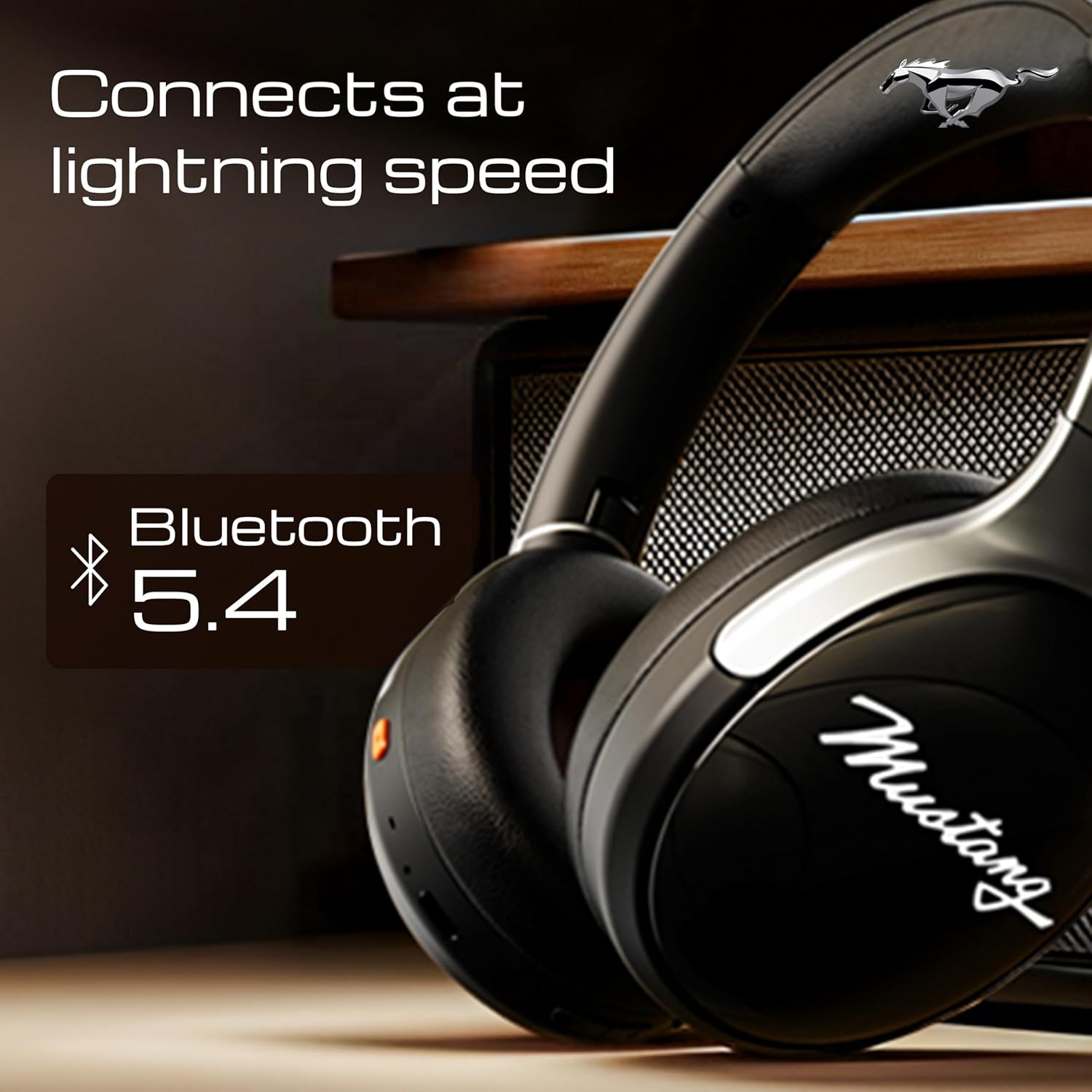
Image 4.1: Bluetooth 5.4 connectivity for fast and stable pairing.
5. آپریٹنگ ہدایات
5.1 میوزک پلے بیک
- چلائیں/روکیں: ایک بار ملٹی فنکشن بٹن دبائیں۔
- اگلا ٹریک: والیوم اپ بٹن کو دبائیں اور تھامیں۔
- پچھلا ٹریک: والیوم ڈاؤن کے بٹن کو دبائے رکھیں۔
- اواز بڑھایں: والیوم اپ بٹن کو مختصر دبائیں۔
- آواز کم: والیوم ڈاؤن بٹن کو شارٹ دبائیں۔
5.2 کال مینجمنٹ
The integrated Zen ENC Mic ensures clear communication.
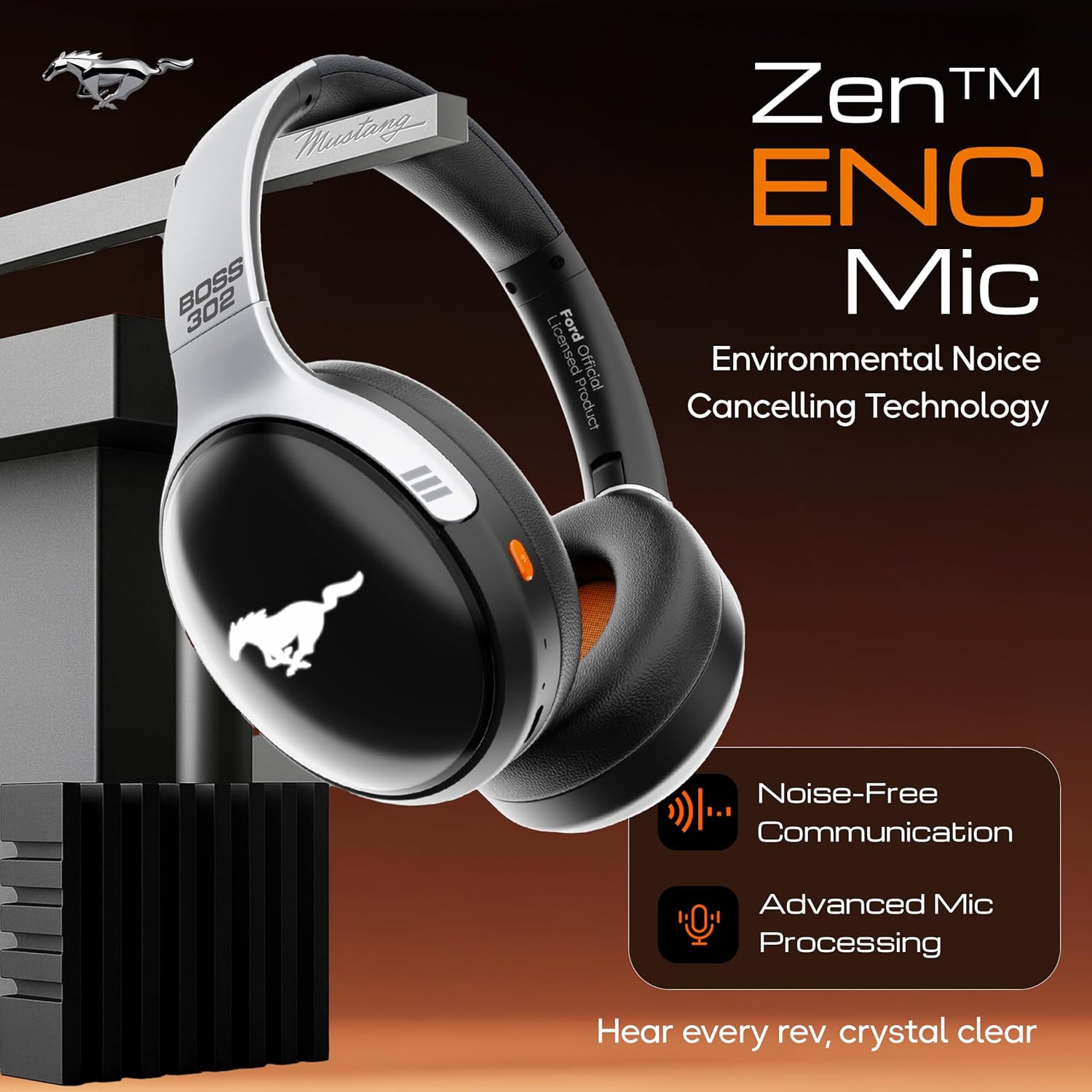
Image 5.1: Zen ENC Mic technology for noise-free communication.
- جواب / کال ختم کریں: ایک بار ملٹی فنکشن بٹن دبائیں۔
- کال مسترد کریں: ملٹی فنکشن بٹن کو 2 سیکنڈ تک دبائے رکھیں۔
- آخری نمبر دوبارہ ڈائل کریں: ملٹی فنکشن بٹن کو ڈبل دبائیں۔
5.3 EQ ساؤنڈ موڈز
Customize your audio experience with 4 distinct EQ modes.
- سوئچ موڈز: Press the EQ button (refer to product diagram for location) to cycle through Rock, Pop, Vocal, and Bass modes.
5.4 ایل ای ڈی لائٹنگ موڈز
Activate and change the dynamic LED lights on your earcups.

Image 5.2: Dynamic LED lights and glowing Mustang emblem on the headphones.
- Activate/Change Modes: Press the LED button (refer to product diagram for location) to cycle through the 3 brightness LED modes.
5.5 AI وائس اسسٹنٹ
Access your device's voice assistant directly from the headphones.
- چالو کریں: Triple-press the Multi-function button to activate Google Assistant or your device's default voice assistant.
5.6 وائرڈ کنکشن (AUX موڈ)
Use the included 3.5mm audio cable for a wired connection, conserving battery or connecting to non-Bluetooth devices.
- ہیڈ فون پر AUX پورٹ میں 3.5mm آڈیو کیبل کے ایک سرے کو لگائیں۔
- دوسرے سرے کو اپنے آلے کے 3.5mm آڈیو جیک میں لگائیں۔
- ہیڈ فون خود بخود AUX موڈ میں تبدیل ہو جائیں گے۔
6. دیکھ بھال اور دیکھ بھال
مناسب دیکھ بھال آپ کے ہیڈ فون کی لمبی عمر اور کارکردگی کو یقینی بناتی ہے۔
- صفائی: ہیڈ فون کو صاف کرنے کے لیے نرم، خشک کپڑا استعمال کریں۔ سخت کیمیکل یا کھرچنے والے مواد کا استعمال نہ کریں۔
- ذخیرہ: Store the headphones in a cool, dry place, away from direct sunlight and extreme temperatures. The foldable design allows for compact storage.
- پانی کی مزاحمت: ہیڈ فون پانی مزاحم ہیں۔ انہیں پانی میں ڈبونے سے گریز کریں یا انہیں شدید بارش میں بے نقاب کریں۔
- بیٹری: To preserve battery life, charge the headphones at least once every three months if not in regular use.
7 خرابیوں کا سراغ لگانا
اگر آپ کو مسائل کا سامنا ہے، تو درج ذیل عام حلوں کا حوالہ دیں:
| مسئلہ | ممکنہ وجہ | حل |
|---|---|---|
| ہیڈ فون آن نہیں ہوتے | کم بیٹری | Charge the headphones fully using the provided Type-C cable. |
| آلہ کے ساتھ جوڑا نہیں بنایا جا سکتا | ہیڈ فون پیئرنگ موڈ میں نہیں ہیں۔ ڈیوائس پر بلوٹوتھ آف؛ آلہ بہت دور ہے | یقینی بنائیں کہ ہیڈ فون پیئرنگ موڈ میں ہیں (چمکتے ہوئے سرخ/نیلے)۔ اپنے آلے پر بلوٹوتھ آن کریں۔ ڈیوائس کو ہیڈ فون کے قریب لے جائیں (10m کے اندر)۔ |
| پلے بیک کے دوران کوئی آواز نہیں۔ | حجم بہت کم؛ غلط آڈیو ذریعہ؛ ہیڈ فون منسلک نہیں ہیں۔ | Increase volume on headphones and device. Check if headphones are properly connected via Bluetooth or AUX. Ensure correct audio output is selected on your device. |
| ناقص کال کا معیار | Environmental noise; weak Bluetooth connection | Move to a quieter environment. Ensure a stable Bluetooth connection. |
8. وضاحتیں
Detailed technical specifications for the GOBOULT Mustang Thunder Bluetooth Headphones:
| فیچر | تفصیلات |
|---|---|
| ماڈل کا نام | Airbass |
| کنیکٹوٹی ٹیکنالوجی | وائرلیس (بلوٹوتھ v5.4) |
| بلوٹوتھ رینج | 10 میٹر |
| آڈیو ڈرائیور کا سائز | 40 ملی میٹر |
| تعدد رسپانس | 20 Hz |
| حساسیت | 118 ڈی بی |
| ہیڈ فون جیک | 3.5 ملی میٹر جیک |
| بیٹری لائف (پلے ٹائم) | Up to 70 Hours (without LEDs), 50 Hours (with LEDs) |
| بیٹری کی ساخت | لتیم پولیمر |
| چارجنگ پورٹ | USB ٹائپ سی |
| شے کا وزن | 234 گرام |
| مصنوعات کے طول و عرض | 18 x 5 x 19.5 سینٹی میٹر |
| پانی کی مزاحمت کی سطح | پانی مزاحم |
| کنٹرول کی قسم | Button Control, Google Assistant |
9. وارنٹی اور سپورٹ
9.1 وارنٹی کی معلومات
The GOBOULT Mustang Thunder Bluetooth Headphones come with a 1 سالہ صنعت کار کی وارنٹی from the date of purchase. This warranty covers manufacturing defects and ensures trusted performance and premium build quality.
وارنٹی کے دعووں کے لیے براہ کرم اپنی خریداری کا ثبوت اپنے پاس رکھیں۔
9.2 کسٹمر سپورٹ
For any questions, technical assistance, or warranty claims, please contact GOBOULT customer support through their official webسائٹ یا خوردہ فروش جہاں پروڈکٹ خریدی گئی تھی۔


